Update DFN
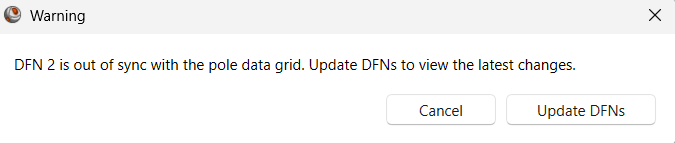
When data used to generate a DFN is changed in the Pole Data Grid, the DFN(s) will be out of sync with the data. Any DFNs that are out of sync with the data cannot be edited and need to be updated to reflect the changes in the Pole Data Grid.
To update all out of sync DFNs to reflect the changes in the data:
- Select Rock Mass > DFN > Update DFNs
 in the ribbon. Alternatively, DFNs can be updated by clicking Update DFNs in the following warning message that appears when data used to generate a DFN has been changed.