Adjustment of the Boundary Plane
The position of the Boundary Plane can be adjusted as follows:
- Select the Boundary Plane in the Volume list. The current position is given in the properties field below.
- Enter the context menu by clicking the right mouse button and click “Edit.”
- Adjust the Boundary Plane on the basis of the input parameters:
- Inclined plane
- Dip direction and dip angle
- Position: Easting (x), Northing (y) and Height (z)
- Horizontal plane
- Elevation
- Inclined plane
- Confirm the position by pressing the “Enter” button.
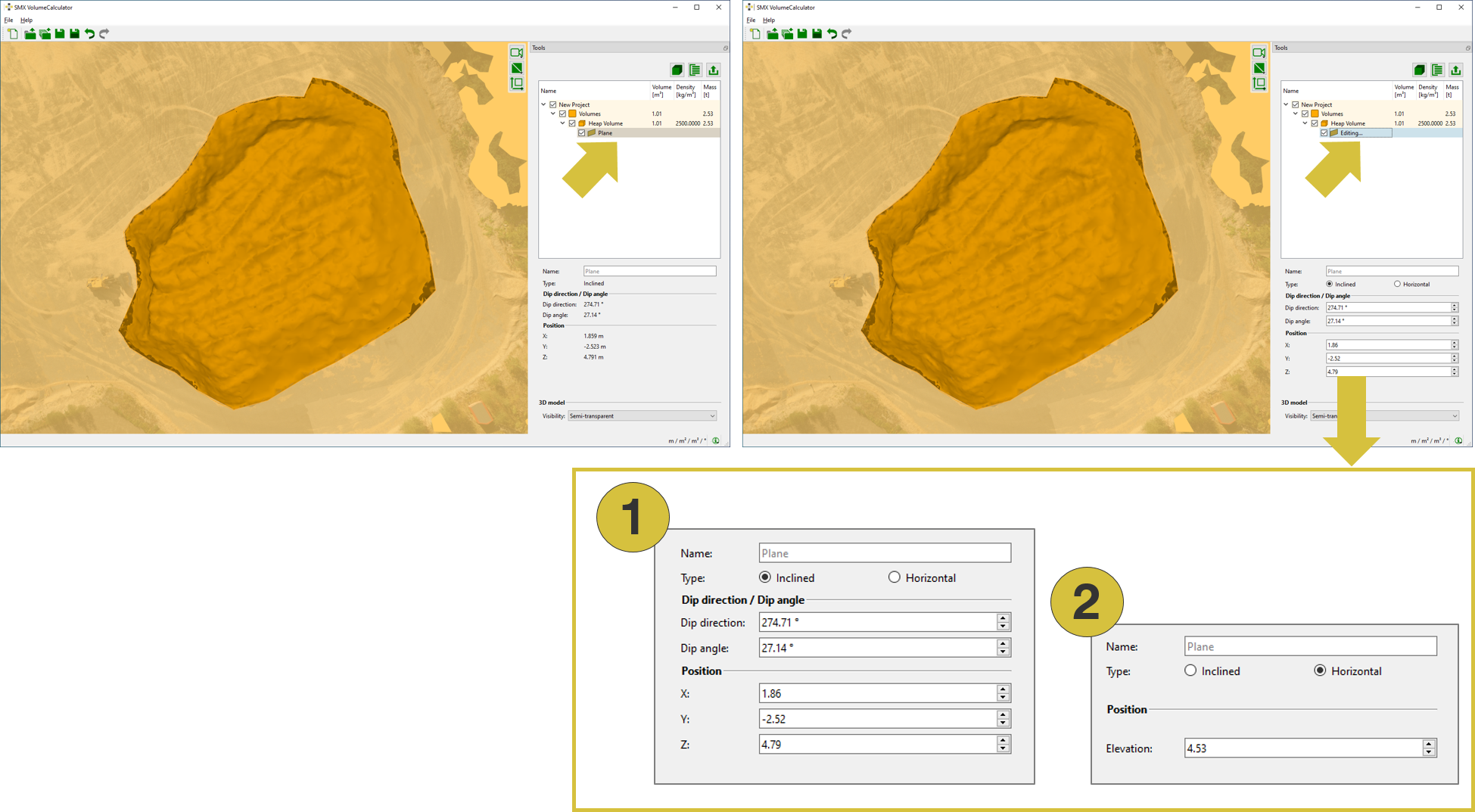
- Define inclined plane
- Define horizontal plane