Tools Pane - Heap Modes
The Tools pane shown below provide features for the Heap Mode including the results displayed in the Volume list. In addition the visibility of the 3D model(s) can be adjusted.
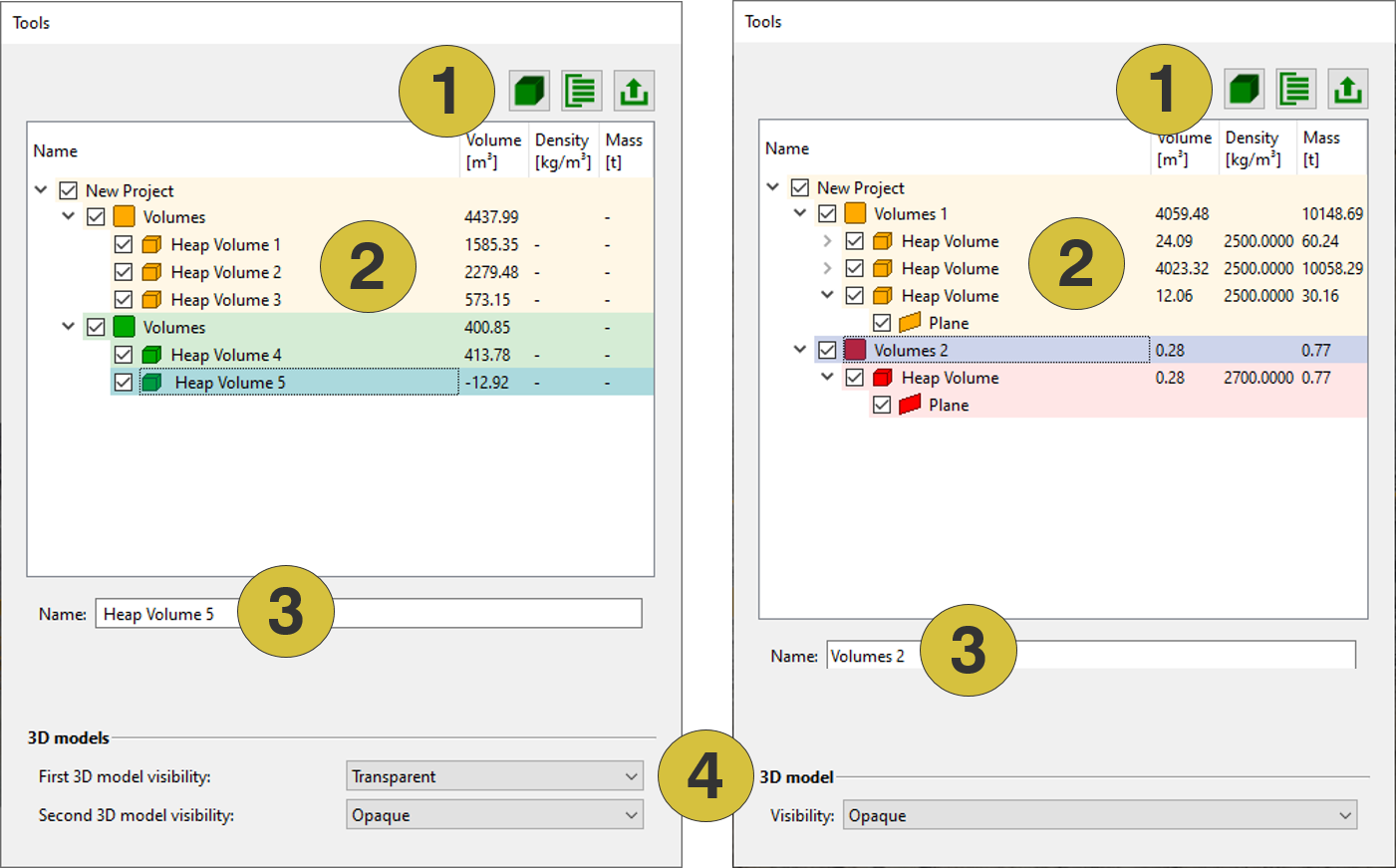
- Toolbar
- Volumes list
- Rename
- Visibility of 3D model(s)
- New Heap Volume
 - Activates the features of the toolbar for defining a heap volume by a polygon
 - New Group
 - Adds a new group of volumes
 - Export
 - Exports heap volume data as “.obj” or “.dxf” files
 - 3D Models Heap Mode - One Model - Changes the visibility of the 3D model on the screen
- Heap Mode - Two Models - Changes the visibility of the first and second loaded 3D model on the
screen