User Interface
The user interface of the Analyst comprises the menu bar, toolbar, 3D viewer, navigation bar and the Mapping pane. The Mapping pane contains four tabs: i.e. Structures, Geometry, Occurrences, Area Partitioning and Settings.
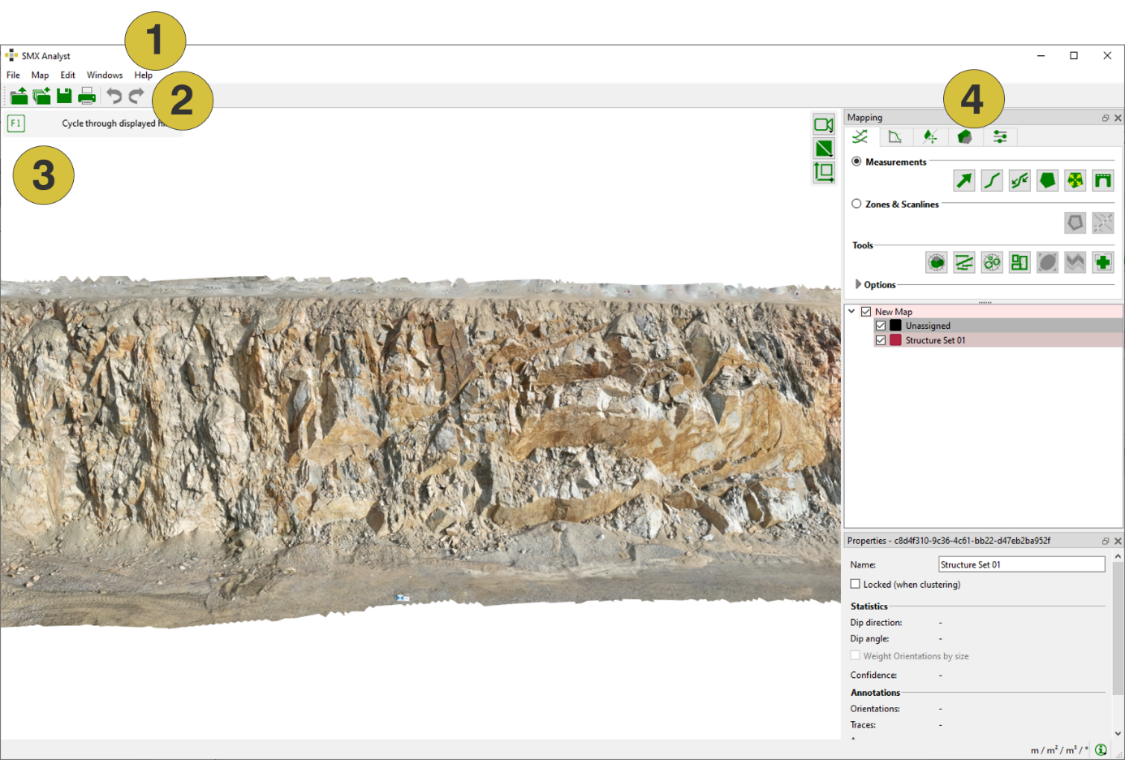
- Menu bar
- Toolbar
- 3D viewer
- Mapping pane
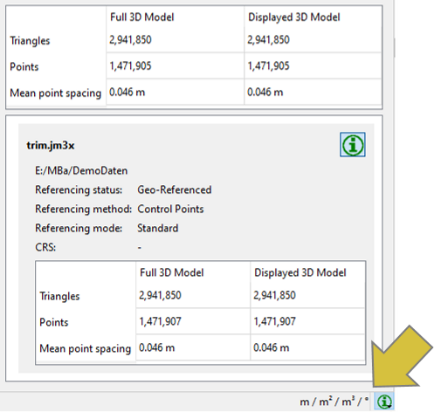
The unit of measurement is displayed on the right bottom of the user interface. The foldable dialog next to it displays information on the 3D model, i.e. geometry reproduction on the screen (adjustable via the Central Window or the menu Edit by adjusting the slider “Options | 3D View Custom geometry quality”) and information on referencing and scaling.