Standard Operating Procedure
- Check the coarse 3D point cloud for plausibility
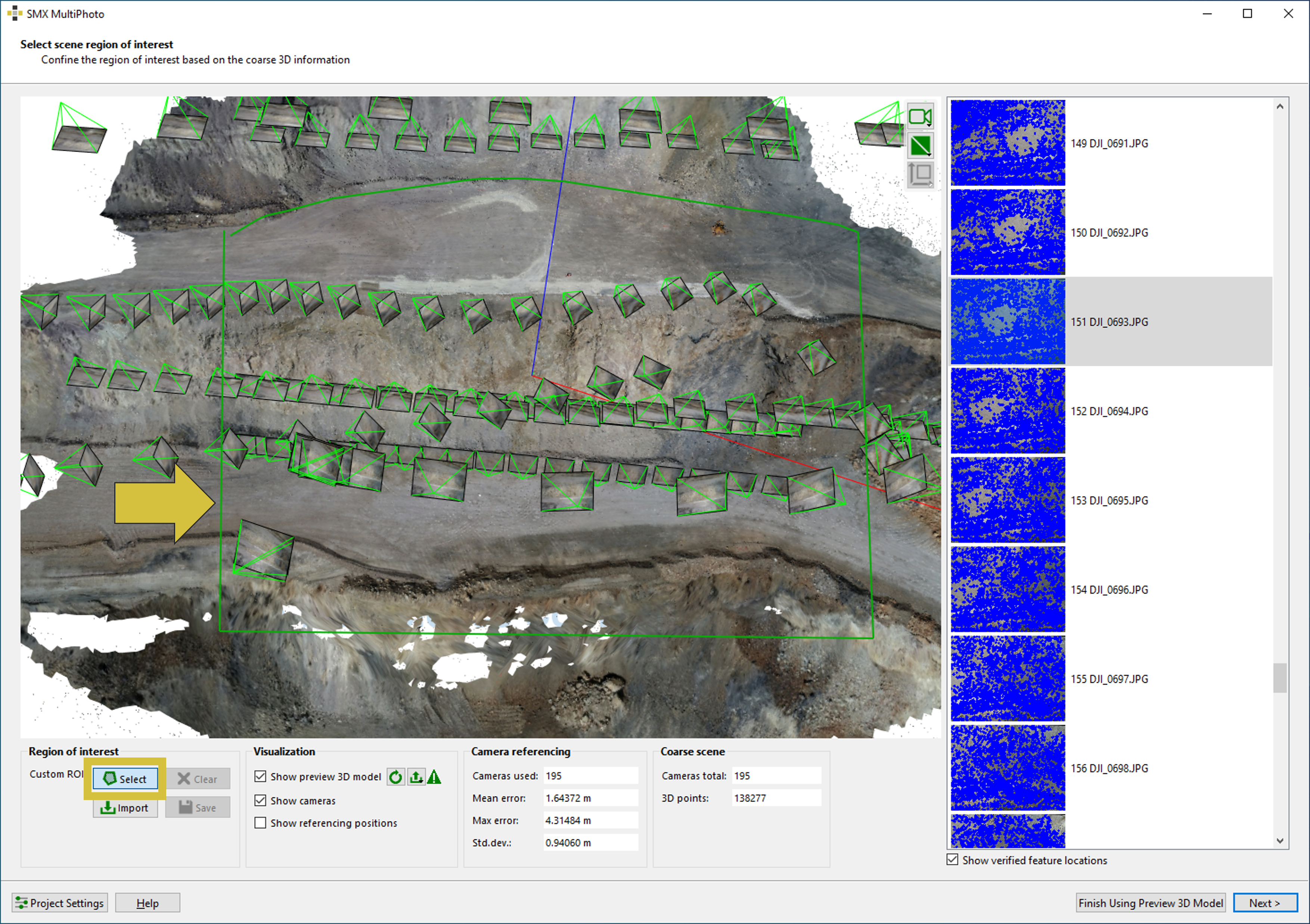
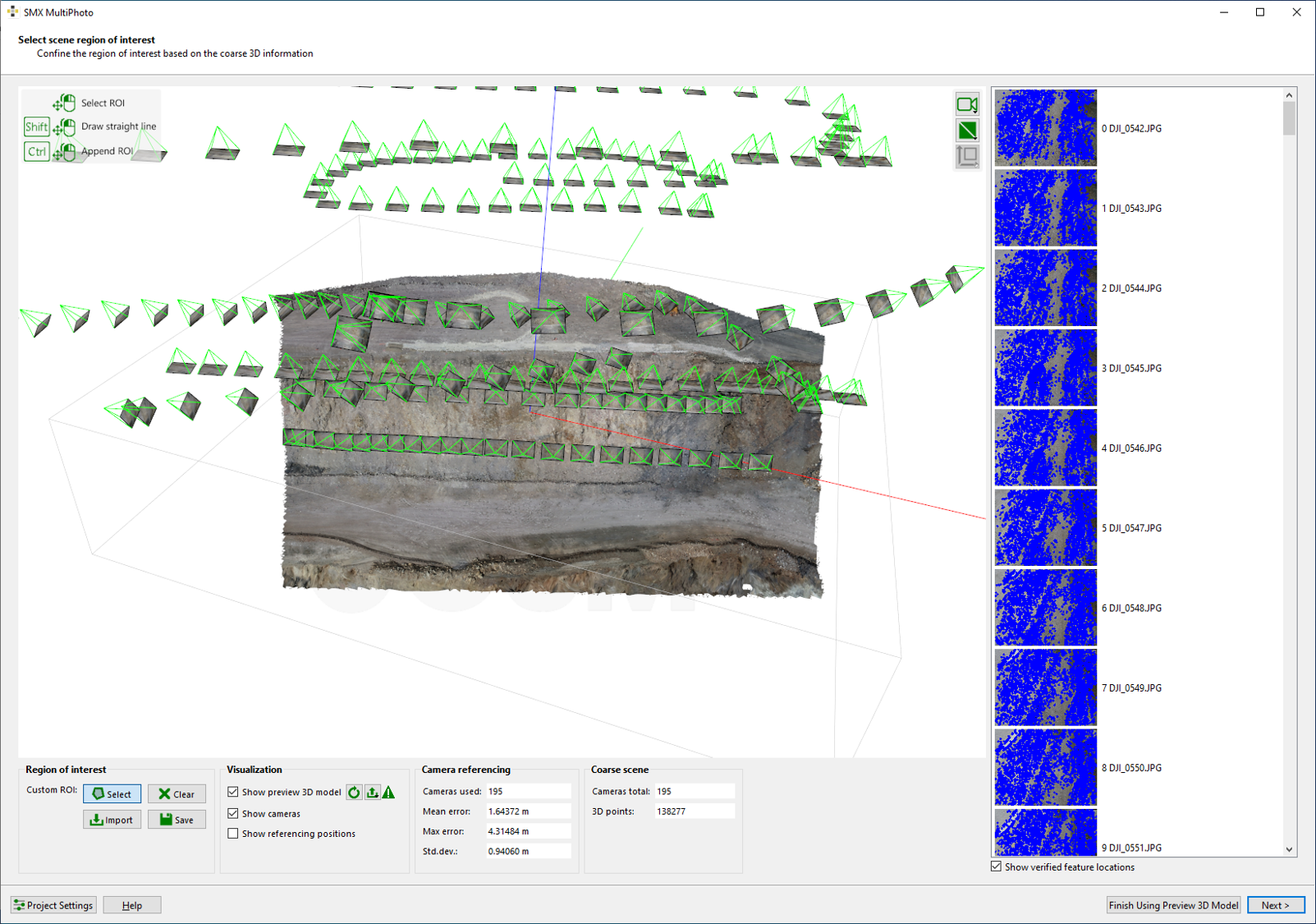
- Define Region of Interest directly in the viewer using a boundary polygon:
- Click on the “Select” button.
- Click with the left mouse held down in the 3D viewer and draw a polygon . The polygon should define the desired ROI.
- Relieve the mouse button and the point cloud is reduced to the outlined ROI.
- The ROI can be deleted with a click on the “Clear” button.
- Click on the “Next” button to continue to the next step.
Press “Shift” while keeping the left mouse button pressed to draw a straight line.
The update of the preview 3D model by using the “Update Preview 3D Model”  button is not mandatory. Is should be performed only if the coarse 3D model shows distorted or unwanted surface measurements (e.g. sky or floor at border regions). The ROI is considered even for the Dense Reconstruction without updating the preview 3D model.
button is not mandatory. Is should be performed only if the coarse 3D model shows distorted or unwanted surface measurements (e.g. sky or floor at border regions). The ROI is considered even for the Dense Reconstruction without updating the preview 3D model.