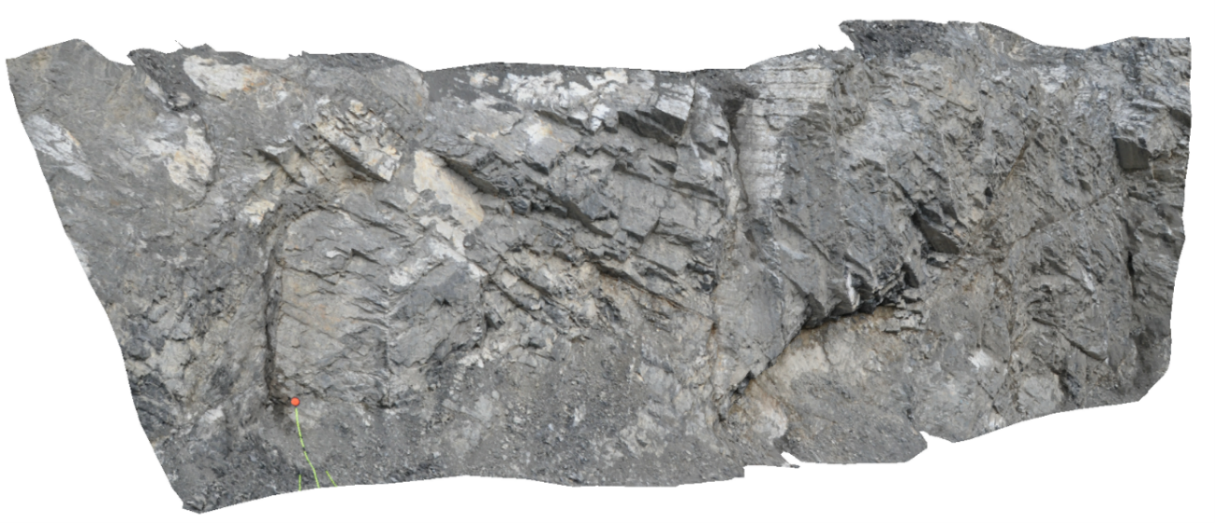
Extras
Show contour lines
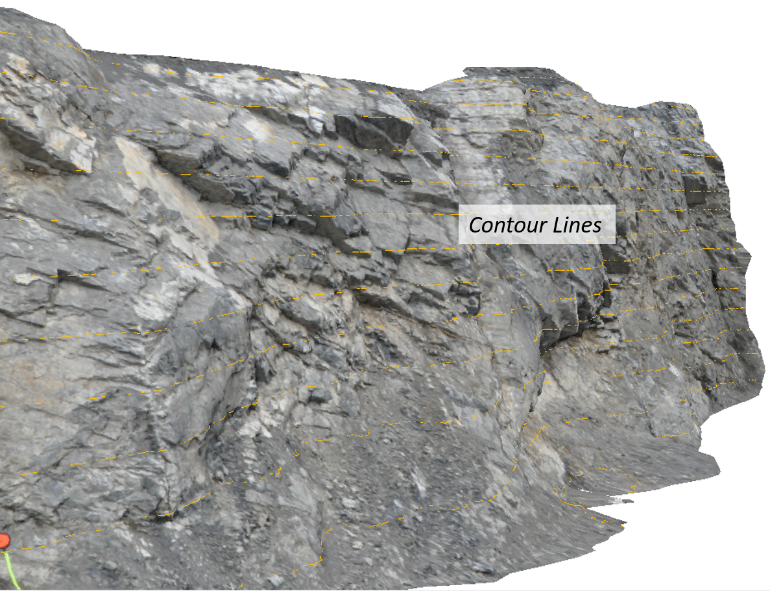
Contour lines are displayed with the command “View | Show Contour Lines” in the menu bar. The overlay of contour lines (see below) accords to the spacing defined in the Contour Lines dialog.
Fullscreen view
The fullscreen view is called with the command in the menu “View | Fullscreen” or via the context menu of the 3D viewer. The full screen display is closed by unticking the “Fullscreen” command in the context menu or pressing the “Esc” key.