Tools Pane - Underground Mode
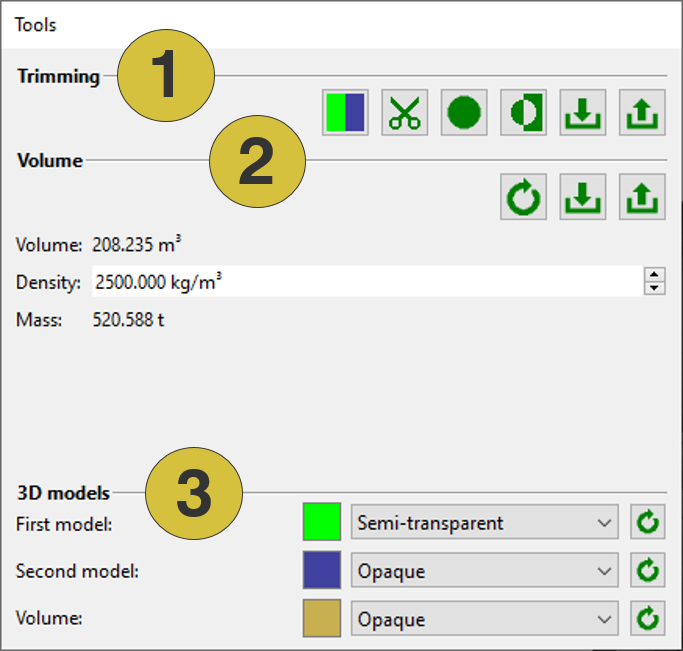
The Tools pane provides features for the Underground Mode including the result. In addition the visibility of the 3D models and the volume can be adjusted.
- Toolbar
- Result
- Visibility and colour
Trimming
- Toggle Target
 - Toggles between the target models to be trimmed, i.e. the first, the second, or both models at the same time
 - Trim Model(s)
 - Divides a point cloud (3D model) into two segments using a polygon
 - Trim model(s) with Sphere
 - Selects a group of points enclosed by a sphere
 - Invert Selection
 - Inverts the selection of points to delete
 - Import Trim History
 - Imports a trim process (“.trim”)
 - Export Trim Histor
 - Exports a trim process (“.trim”)
Volume
- Recalculate
 - Start volume calculations
 - Import Volume from OBJ - Imports volume data from “.obj”
- Export Volume - Exports volume data as “.obj” or “.dxf” file
Volume, Density and Mass

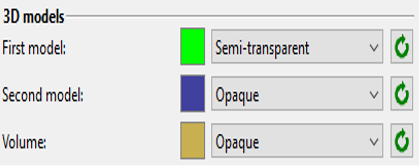
3D Models - Changes the visibility and colour of the first and second 3D model as well as the volume body