Match Ground Motions to Target Spectra
The Ground Motion Manager provides a feature to match a set of ground motions to a target spectra. To open this feature:
- Click Match ground motions to target spectra
 in the toolbar.
Target Spectra
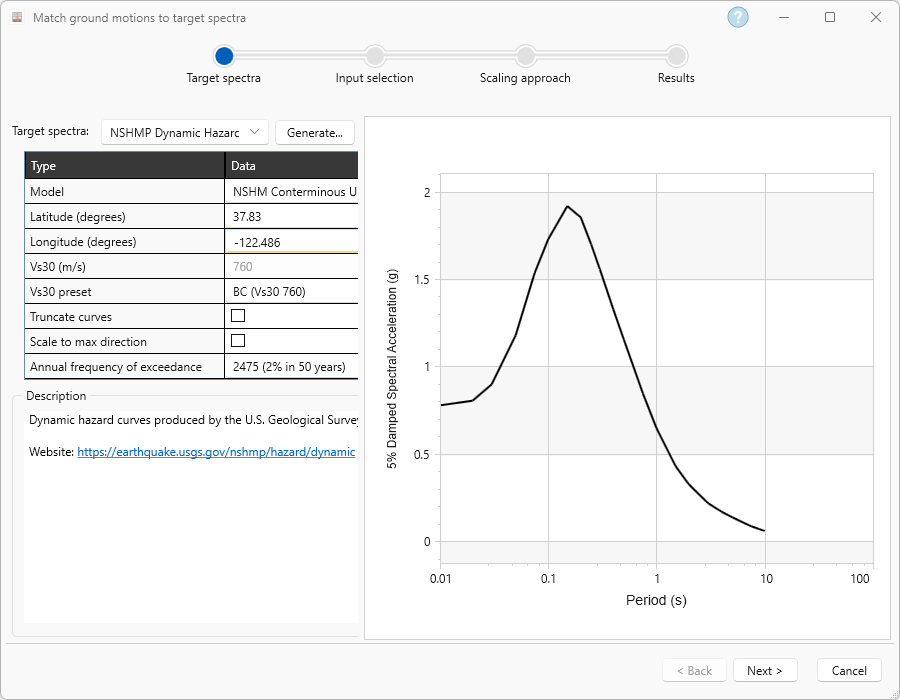
The first step is to select a source for the target spectra data. This can be either manually defined or queried from the NSHMP dynamic hazard curve module (USGS) or different European building codes.
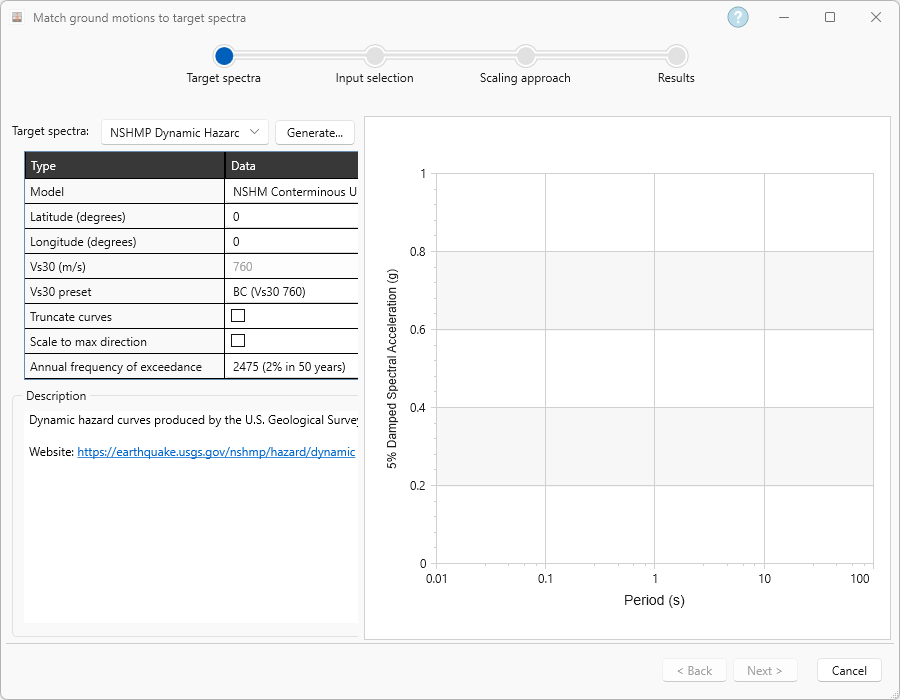
After selecting the method to query a target spectra and providing the inputs to the methodology selected, a target spectra will appear on the graph.
Input Selection
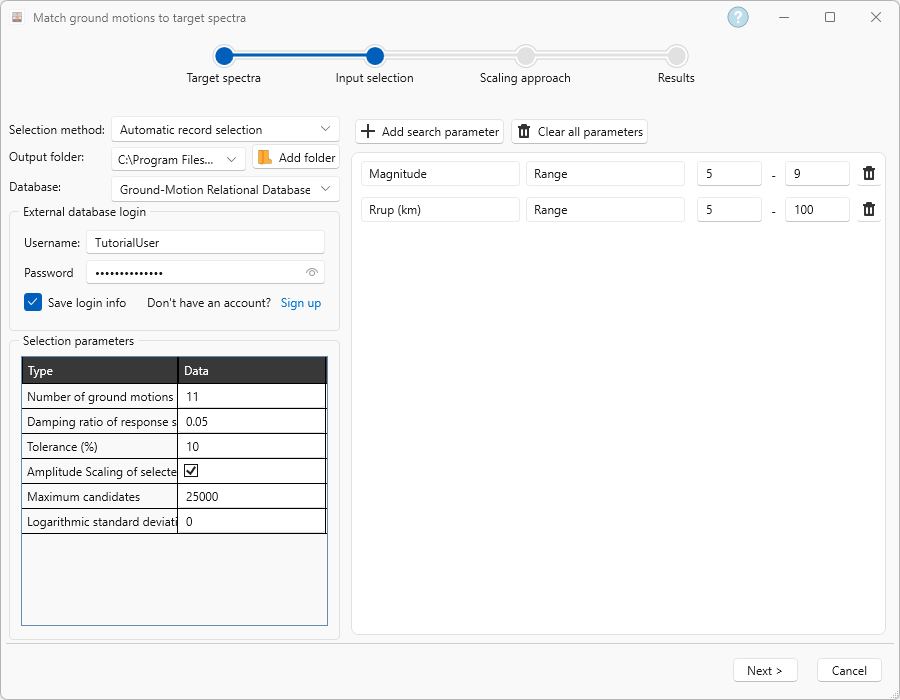
In the Input selection tab, the following needs to be defined:
- The output folder where the selected motion pairs will be saved.
- The method used to select the ground motion pairs that will be matched to the defined target spectra
- If Automatic record selection is chosen:
- A database from which the algorithm will select ground motion pairs to match the target spectra
- The parameters that control the selection
- The search parameters limiting the space from which the algorithm can select ground motion pairs to match the defined target spectra
- If Automatic record selection is chosen:
- If Manual record selection is chosen:
- The input directory where the ground motion pair suite to be used for the process of matching to the target spectra is saved
- The ground motion pairs, within the input directory , that will be employed for matching to the target spectra
Scaling Approach
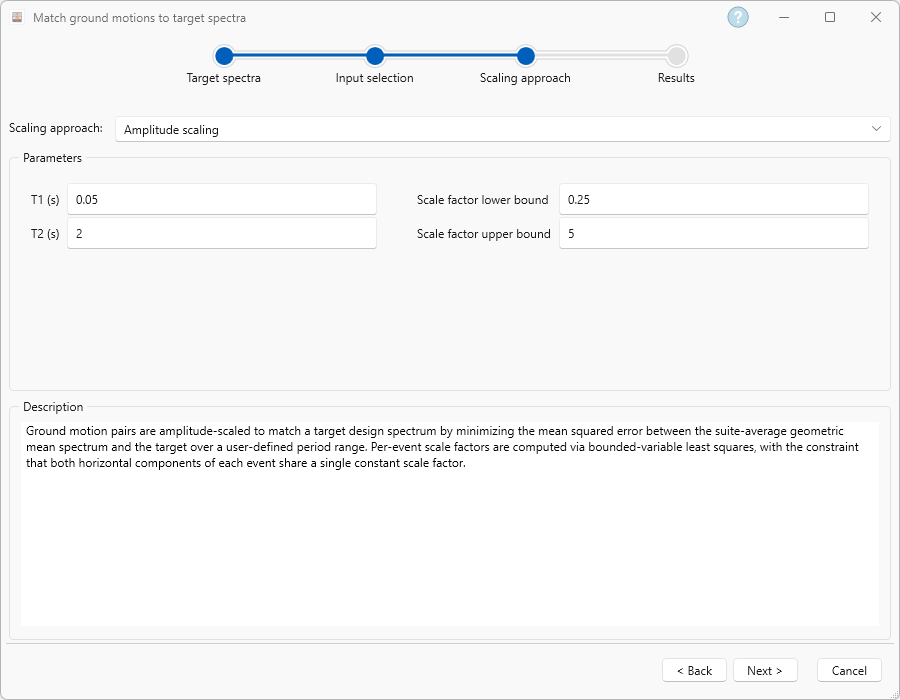
If Amplitude scaling of selected ground motions is enabled, amplitude scaling will be employed. In the Scaling approach tab, the following is defined:
- Minimum and maximum period where the algorithm will focus on for improving the match of the geometric mean of each individual event selected.
- The minimum and maximums scaling factors that can be employed in the amplitude scaling
Results
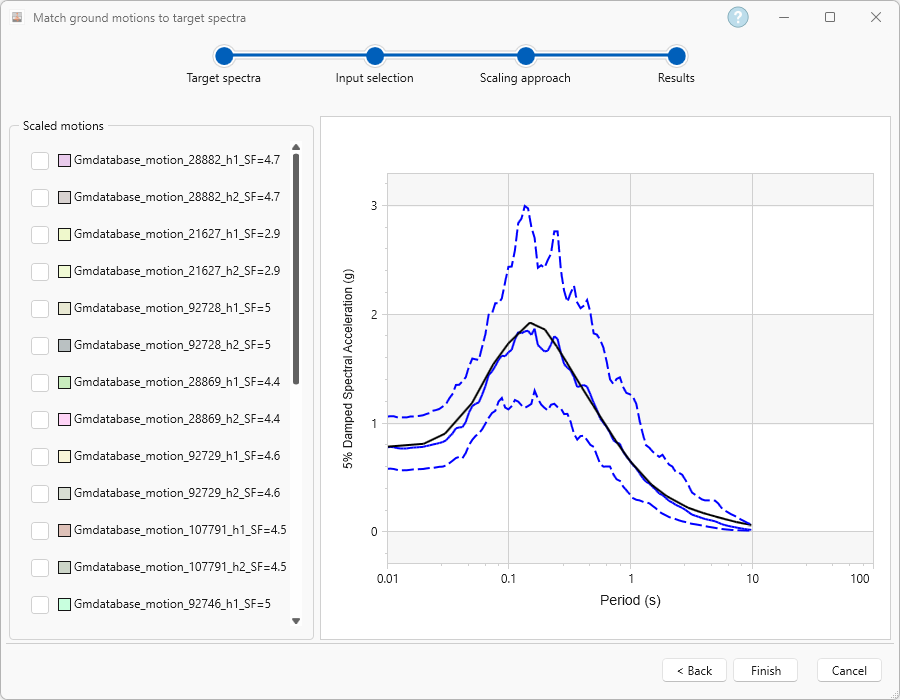
The Results tab will show the results of the record selection:
For a step by step example of the matching process, see Tutorial 10 – Matching ground motions to target spectra.