JSON Import
The JSON Import feature is accessed from the left menu panel under the Import page and allows users to import project data from an RSLog JSON export file. This feature is useful for transferring projects between two cloud-hosted and self-hosted RSLog accounts, or restoring previously exported data.
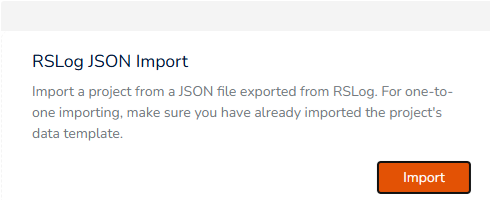
To access this page:
Requirements
- One JSON file (*.json) exported by RSLog in another account,
- A 'Data Template' selected in your RSLog account.
Limitations
- Only one project per JSON file can be imported at a time.
- The JSON file must follow the RSLog export format structure (additional documentation is available upon request).
Overview of JSON Import Process
Unlike other import methods, JSON Import does not require manual data mapping. The JSON file follows a predefined structure that RSLog automatically recognizes. The import process comprises the following:
- Reads project and borehole data from the JSON file,
- Validates the file structure and content,
- Matches data to the selected Data Template, and
- Creates a new project with all associated data.
Importing Data
- Click Browse to select your JSON file (*.json),
- Once validated, a Data Template dropdown will appear,
- Select the appropriate Data Template for your data, and
- Click Import Data to begin the import.
If the JSON file was exported from a project that uses a specific Data Template, RSLog will show a warning if a matching Data Template is not found! When importing, RSLog checks if the original Data Template (from the export) exists in your account:
- Exact match found: The Data Template is auto-selected.
- No match found: A warning is displayed; select an appropriate template manually.
What Gets Imported?
The JSON import includes:
- Project information: Title, number, client details, location, coordinates, notes,
- Test Holes: All borehole data including coordinates, dates, personnel,
- Samples: Sample types, depths, lab tests, field measurements,
- Stratigraphy: Soil/rock layers with full classification details,
- Field Tests: SPT, CPT, and other in-situ test data,
- Comments & Observations: Drilling observations and notes,
- Drill Runs: Core recovery, RQD, and rock quality data,
- Boring Methods: Drilling equipment and method information,
- Piezometer Data: Installation details, pipe segments, groundwater levels,
- Borehole Surveys: Deviation survey data, and
- Discontinuities: Rock defect data.
Duplicate Project Names
If a project with the same name already exists, the imported project will be renamed with a "-copy" suffix.