Export Options
The export of data is enabled in the “Export Options” dialog opened by clicking the “Export Data” button or “Project Setting” button in the individual interfaces of the MultiPhoto. Selected exports are generated and saved automatically by the software after closing the MultiPhoto.
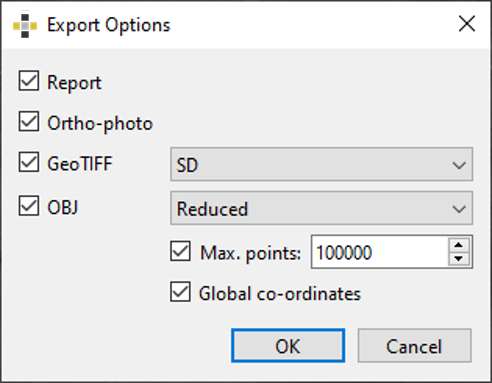
The MultiPhoto supports following export possibilities:
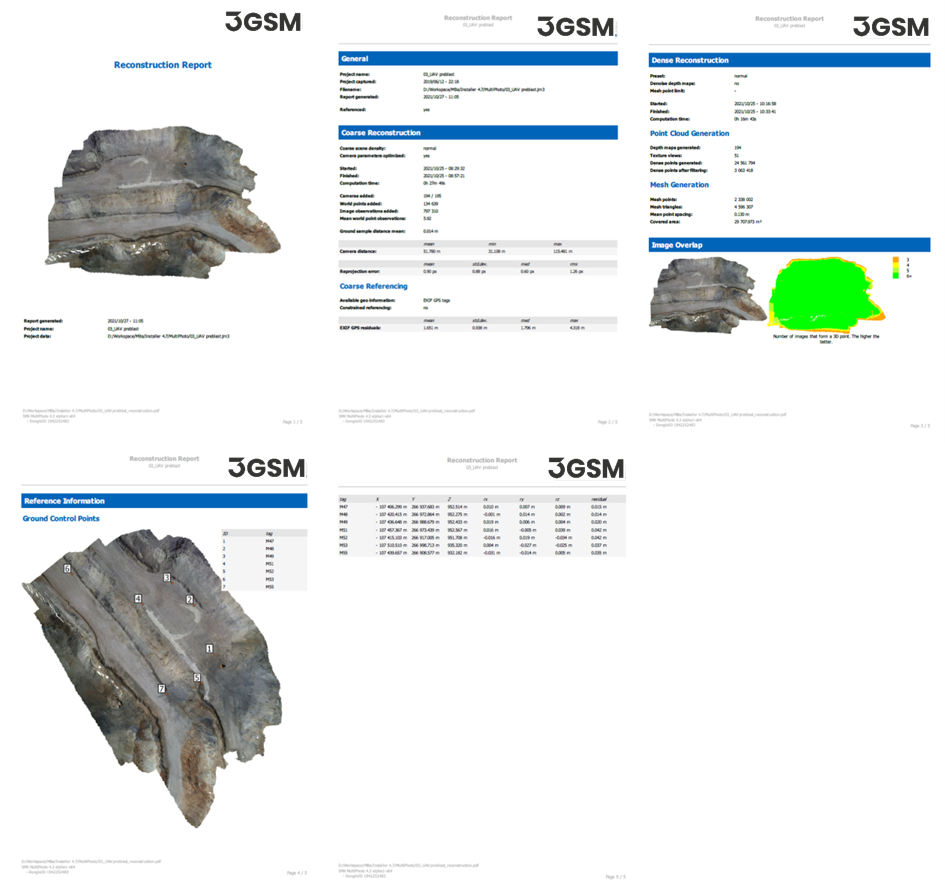
- Reconstruction report (“.pdf”): includes a comprehensive summary of the reconstruction (coarse and dense reconstruction) and referencing of the 3D model including statistics .
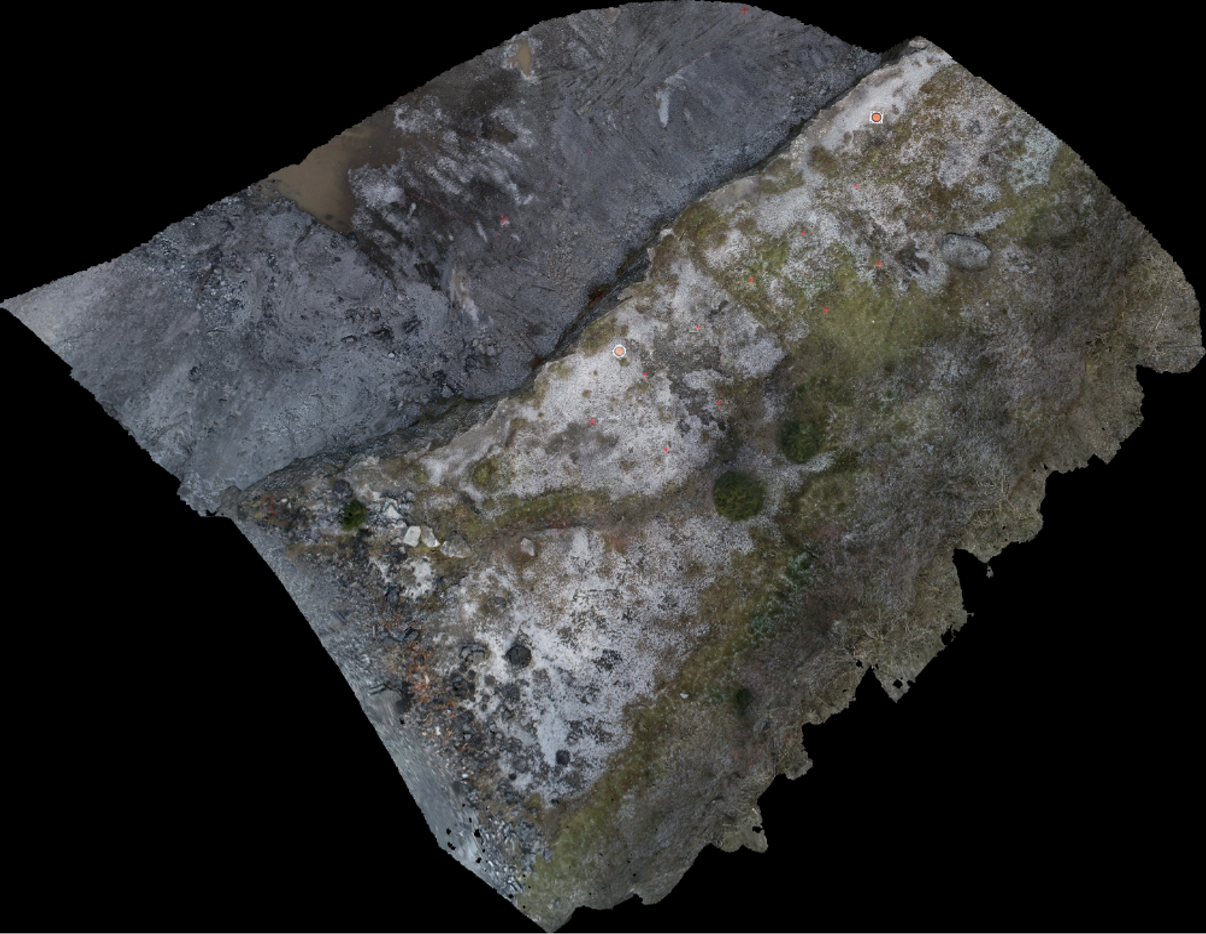
- Ortho-Photo (“.png”;)
- GeoTIFF: writes a public domain metadata which has the geo-referencing information (“dem.tif”) embedded with the image file (“ortho.tif”) in standard definition (SD) or high definition (HD)
- Export into “.obj” format: writes the co-ordinates of the points and triangulation together with separate bitmap files for the texture. A reduced export is provided, whereas the number of points can be limited by the user. The export of global coordinates is optional.