North Correction
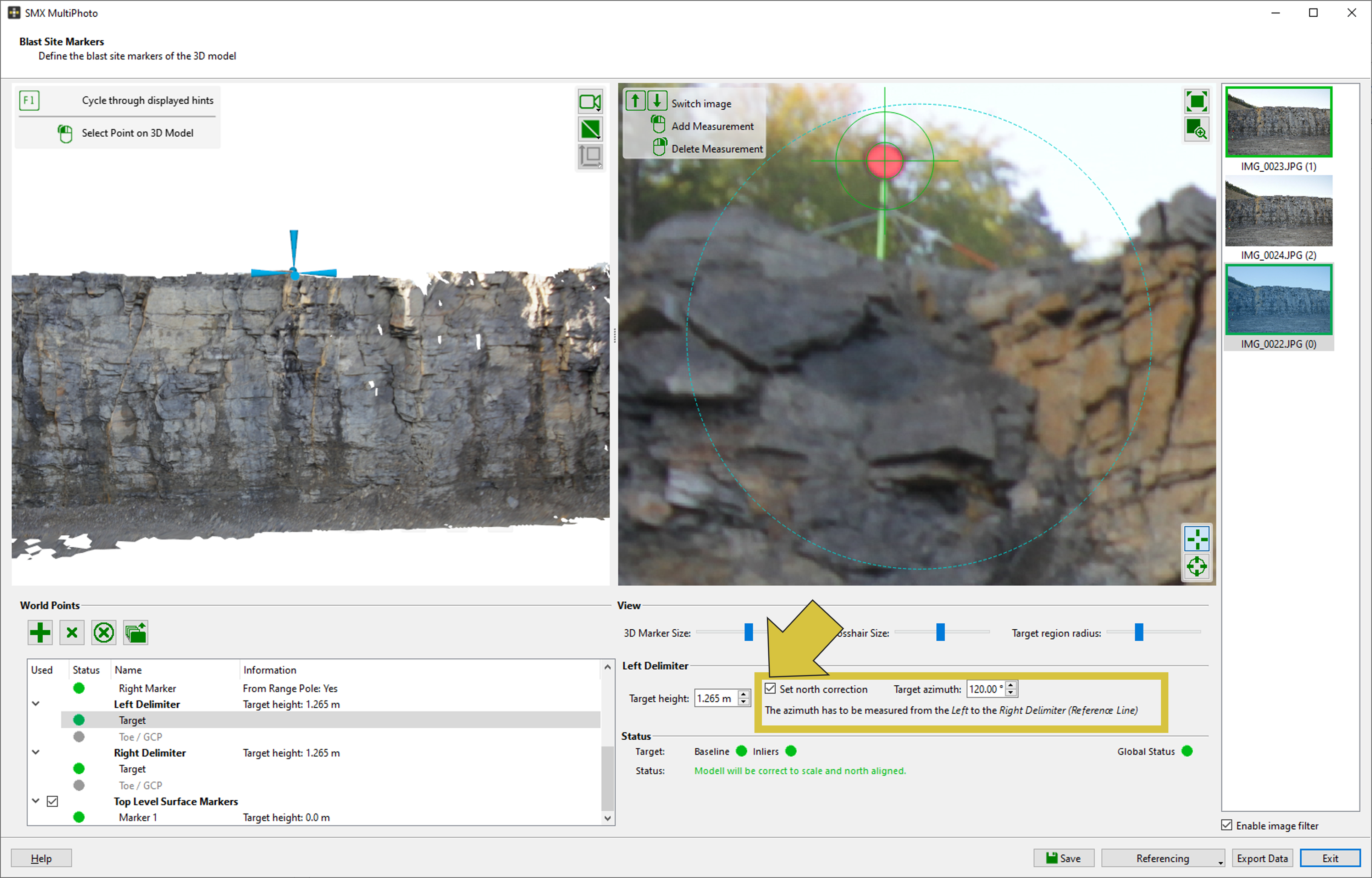
The 3D model can be aligned to north if the azimuth of the Reference Line is known. The azimuth is defined as the direction from the Left Delimiter to the Right Delimiter.
To apply a north correction, select the marker entry Target for either the Left Delimiter or the Right Delimiter in the marker list. Then enable the “Set North Correction” checkbox and enter the target azimuth in degrees.
Geographic north and geomagnetic north may differ significantly depending on the location on Earth. Any required correction should be taken into account.