General Information
The center window of your FragMetriX package is started is started by double-clicking with the computer mouse on the corresponding FragMetriX  icon on the desktop. The individual software components can be started from the center window by clicking on the desired icon.
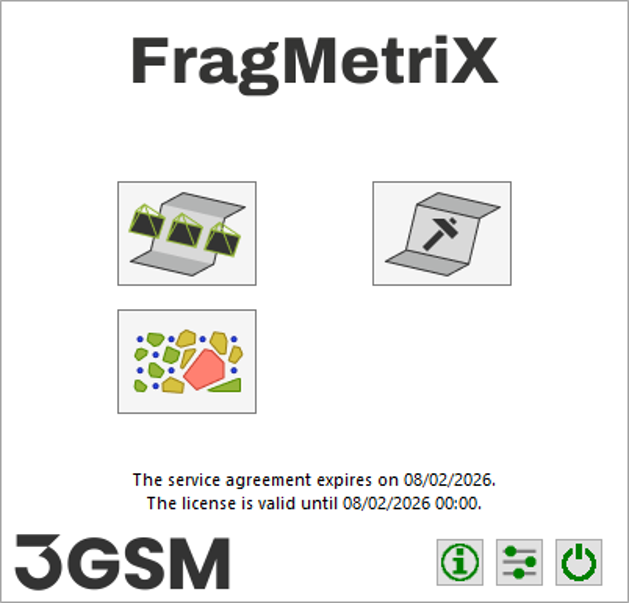
The center window provides information on how long the software can be updated. Each software update has a release date. The installed software components will not launch, if a release date of a software update is later than the date shown. Software versions with an earlier release date are not affected and will continue working.
Several settings FragMetriX are user configurable in the setting dialog opened by clicking the “Settings”  button. In addition, the dialog allows to (re)installed the license.
The Settings are launched from the center window by clicking on the corresponding button. It comprises four sheets related to following topics:
- General
- User Data
- License
- System
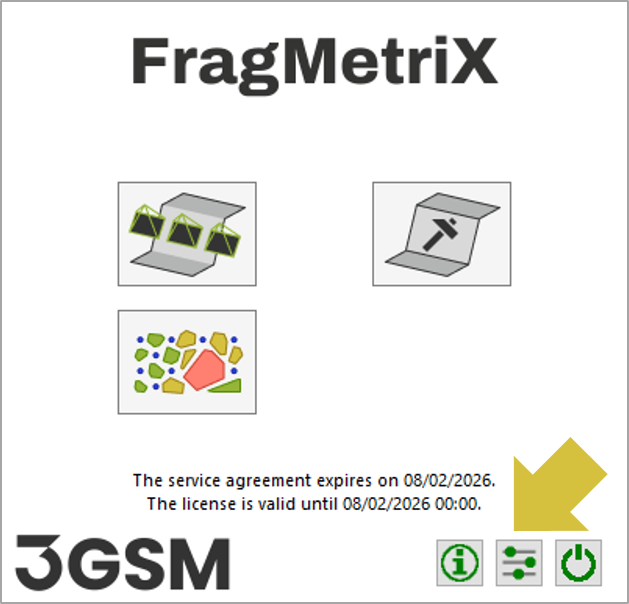
 button.