General
ModelEditor generates and reads files exclusively in “.jm3x” file format. Models from previous versions (“.jm3”) can be converted.
User interface
The user interface of the ModelEditor (Figure 1) comprises the menu bar, toolbar and the 3D viewer.
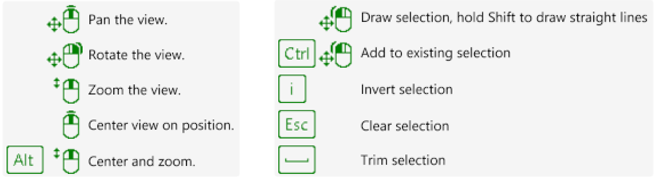
By pressing F1 on the keyboard tooltips for navigation as well as for editing are available in the 3D viewer.
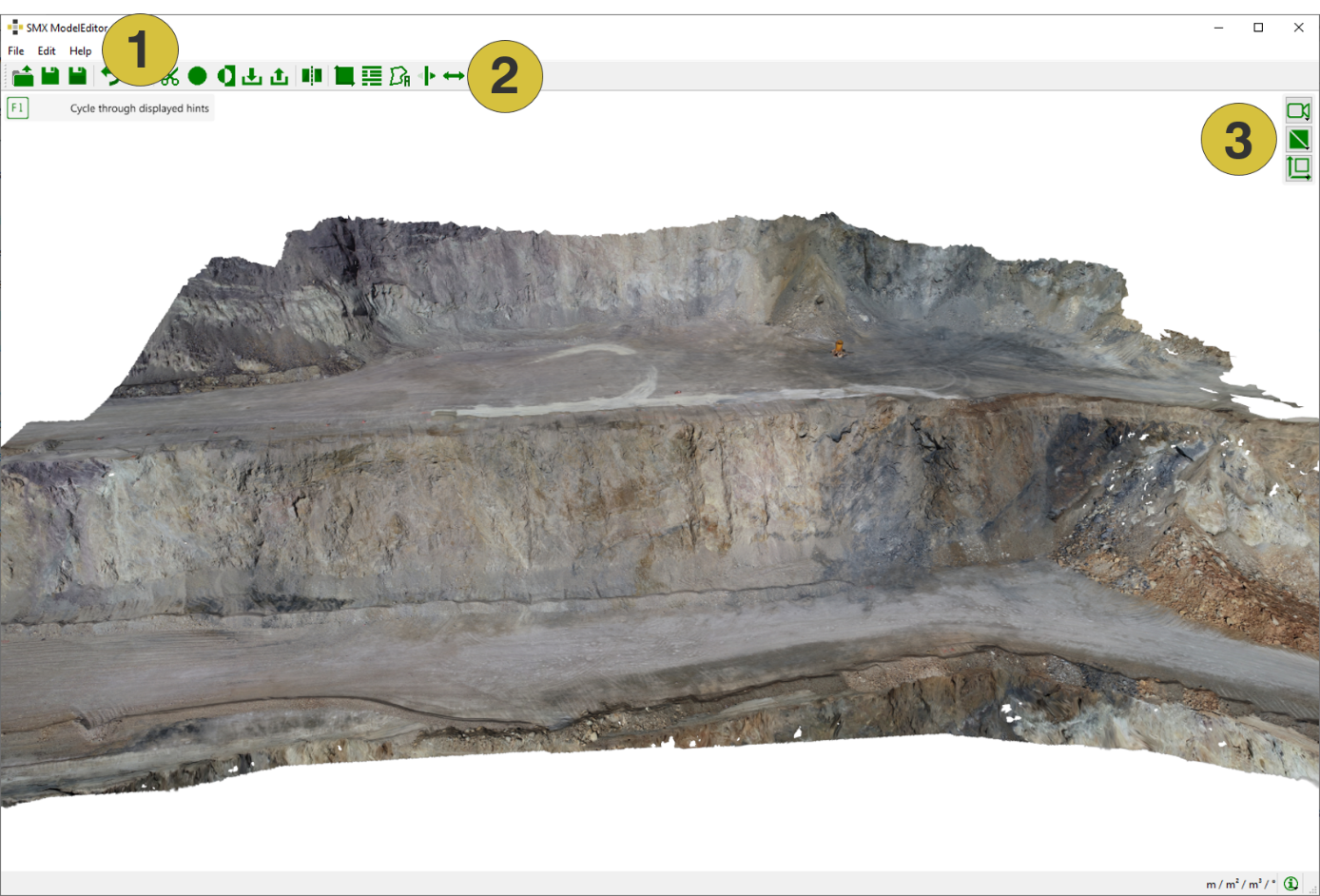
- Menu bar
- Toolbar
- 3D viewer with toolbar
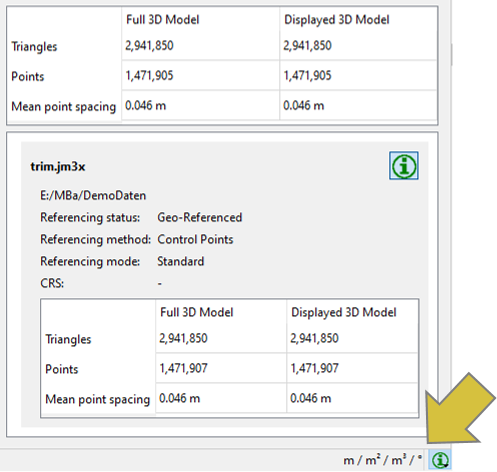
The unit of measurement is displayed on the right bottom of the user interface. The foldable dialog next to it displays information on the 3D model, i.e. geometry reproduction on the screen (adjustable via the Central Window, see corresponding user manual) and information on referencing and scaling.