Getting Started with RS3 Python Scripting
In this tutorial, we will walk you through the setup process and provide an overview of how to run your first Python script for RS3.
Prerequisites
Before you begin, ensure you have the RS3 program installed. You must have at minimum Version 4.042 in order to use this feature.
Python Environment
There are two methods to run a script, which differ in the Python environment used:
- Running on RocScript Editor
- Comes pre-installed with RS3 and includes the RS3 Python API library
- For all-level users
- Running on your own Python environment
- Requires downloading the RS3 Python API library
- For users with experiences in programming
Each method is detailed below.
Method 1: Using RocScript
1.1 Opening the editor
- In RS3, select Scripting > Opening Scripting Editor
 from the menu. The RocScript Editor will open
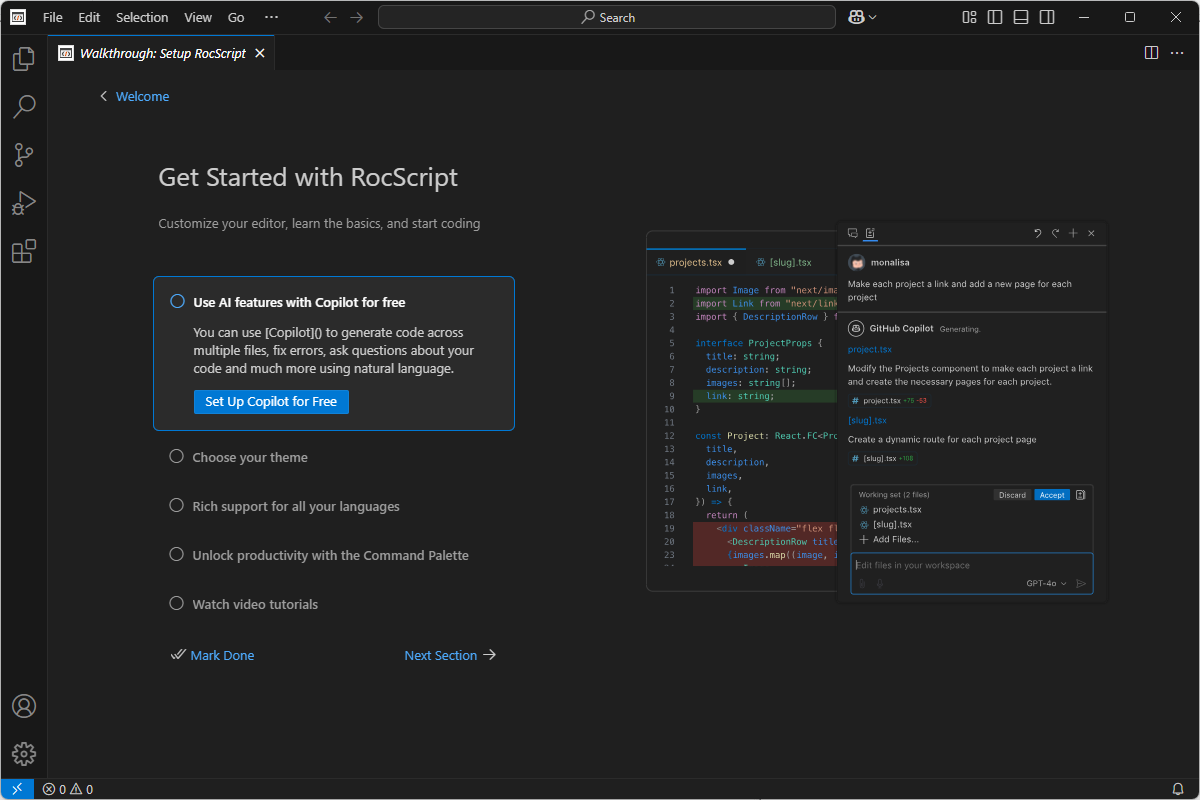
For more information about the RocScript Editor, see the Scripting Overview help topic.
1.2 Open a File
To open a file from the RocScript Editor:
- Select File > Open Folder from the menu.
- Open the tutorial folder from the directory: C:\Users\Public\Documents\Rocscience\RS3 Examples\Tutorials\Scripting Tunnel Tutorial (Part 1)
- Select File > Open File from the menu.
- Select the Scripting Tunnel Tutorial (Part 1).py python file from the tutorial folder directory: C:\Users\Public\Documents\Rocscience\RS3 Examples\Tutorials\Scripting Tunnel Tutorial (Part 1)
1.3 (Optional): Install Libraries
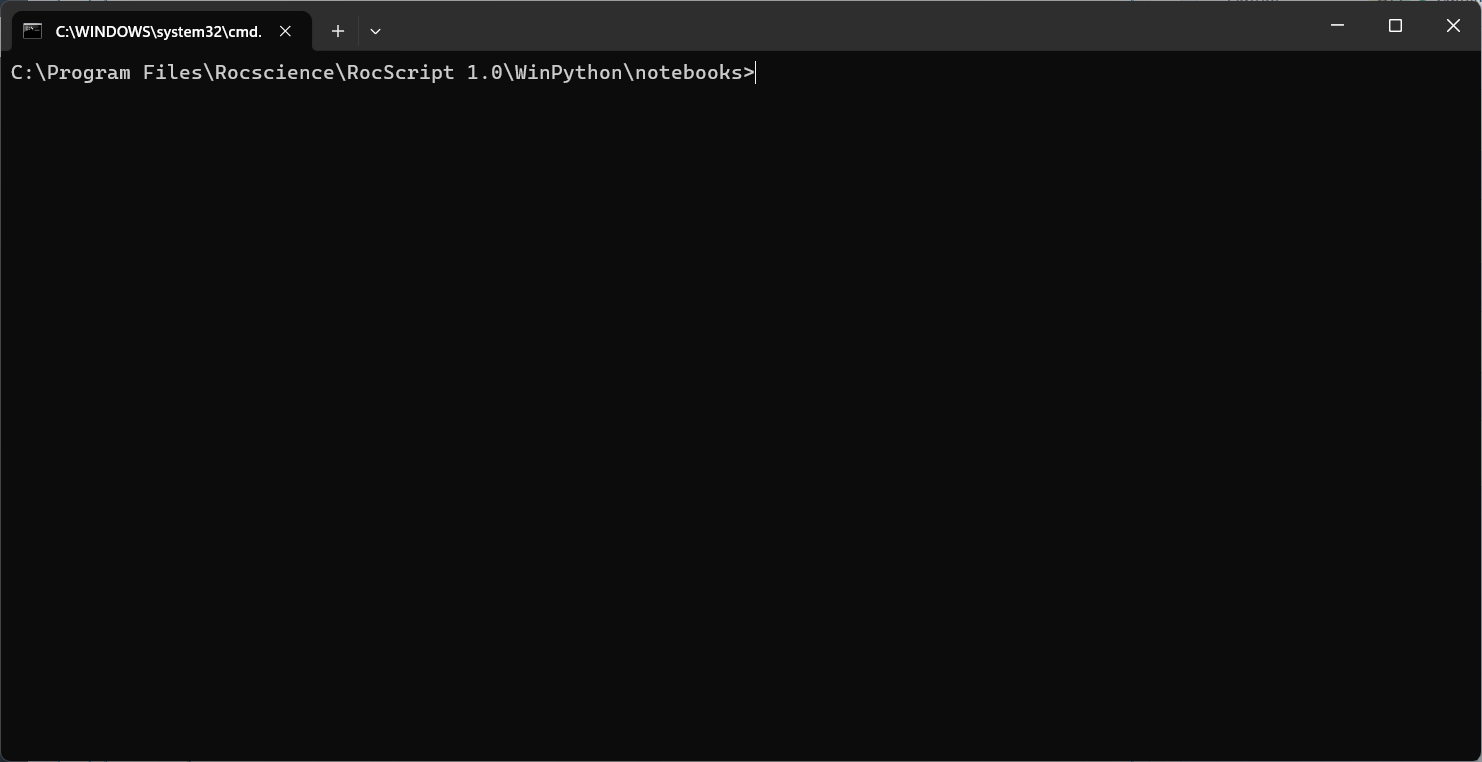
- In the RS3 program, select Scripting > Manage Python Environment
 from the menu.
 - The RocScript WinPython Command Prompt will open:
- Check the installed libraries with the command:
pip list
Pre-installed libraries include the RS3 Python API Library (i.e., RS3 Scripting on the list) and two common python libraries: Pandas and Matplotlib.
- If you wish to install more libraries, use the below command to do so:
pip install [library name]1.4 Run the File
To run the file:
- Click on the play button at the top right of the window:
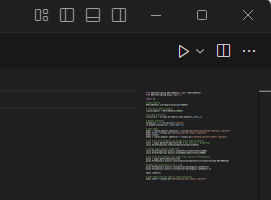
The Scripting Tunnel Tutorial (Part 1).py is the final python script from the Part 1 of Scripting Tunnel Tutorial. Using functions from the RS3 Python API, it launches the RS3 Modeler and a scripting server at port 60064. The script then opens the Scripting Tunnel Tutorial (Part 1) - Initial.rs3v3 model file, adjust staging, define liner and soil properties, applies excavation sequence, sets field stress, applies meshing, and runs the analysis.
Method 2: Using your Own Environment
The python environment is made up of two parts which need to be installed:
- The Python interpreter (Section 2.1 below)
- The Code Editor (Section 2.2 below)
2.1 Install Python
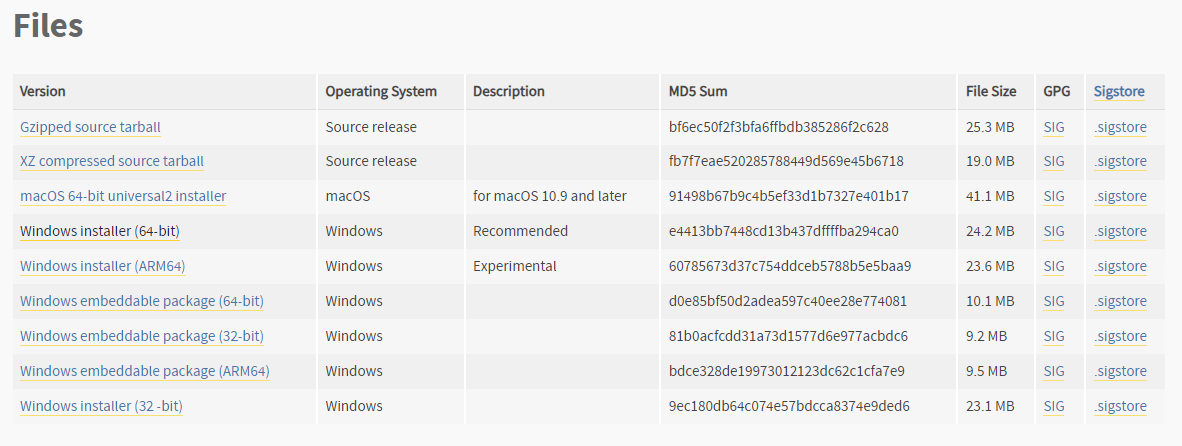
- Navigate to the 3.11.4 release page, scroll down and select Windows installer (64-bit).
- Run the installer. Keep the defaults and select Install Now. Installation should complete successfully.
Note that any version of python above 3.7 should work, but 3.11.4 was the most thoroughly tested.
2.2 Install a Python Code Editor
Any code editor can be used, but we recommend you use Visual Studio Code.
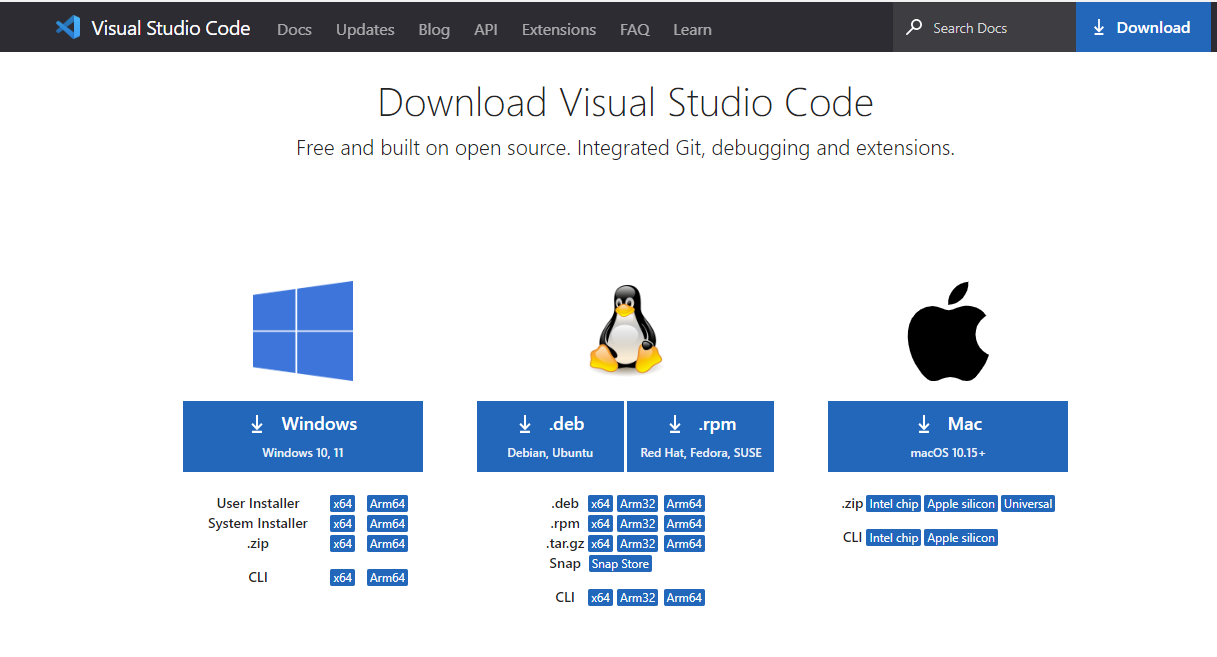
To download and install Visual Studio Code:
- Navigate to the Download page (https://code.visualstudio.com/download) and select the Windows option:
- Run the installer and complete the installation.
2.3 Configure Editor for Python
Visual Studio Code (VSCode) has extensions which can be installed.
- Navigate to the Extensions pane and search for python.
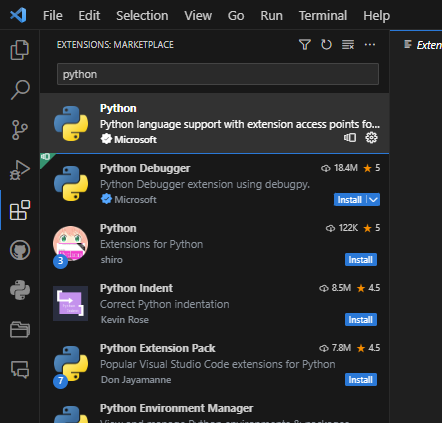
- Install the python extension.
- Restart VSCode.
2.4 Install the RS3 Library
- In VSCode, select View > Terminal in the menu to open a terminal.
- Install the library using pip, which is a package manager that comes with python:
pip install RS3ScriptingIf you are not using the latest release of RS3, you need to specify a library version that matches your RS3 version. For example:
pip install "RS3Scripting==4.042.0"To find a list of available versions, see Release History.
You can find your version of RS3 by selecting Help > About in the RSP3 program.
The RS3 Python API Library is now installed.
2.5 Open a File
- In VSCode, select File > Open File in the menu:
- Select the Scripting Tunnel Tutorial (Part 1).py python file from the tutorial folder directory: C:\Users\Public\Documents\Rocscience\RS3 Examples\Tutorials\Scripting Tunnel Tutorial (Part 1)
Resources
For more information on RS3 Scripting, check out the following resources: