Scripting Tools
The Help ribbon Scripting group lets you manage the scripting server, open RocScript and its environment, and open the reference manual.
Manage Scripting Server
This opens the Scripting Server Manager. Set the port and start or stop the server.
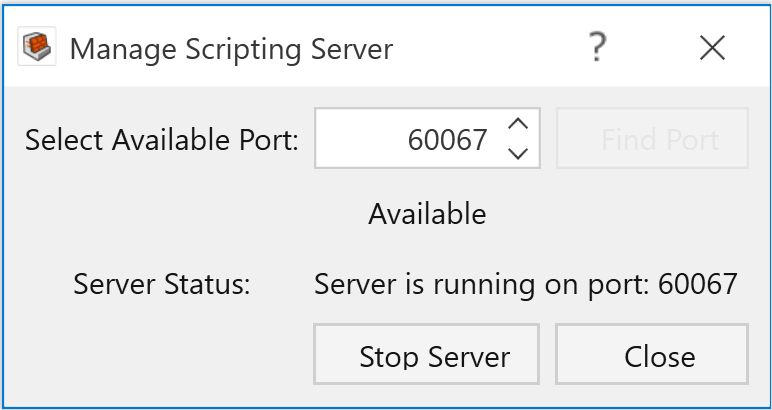
Like other Rocscience APIs, RSWall Scripting needs a server. The server listens on a port and connects Python clients to RSWall.
How to Use
To start the server in the dialog:
- Select Available Port by entering a port number in the field or using the up/down buttons at the side.
The port availability will be displayed, as “Available” or “Unavailable”. “Unavailable” means the port is currently occupied by another server. You can click the Find Port button to search for the next available port.
Port range must be between 49152 and 65535.
- To start the server on specified port, click the Start Server button.
- The Server Status note describes whether this server is running or not.
Alternatively, you can incorporate the launch_rswall() function within your python script, which bypasses the manual steps outlined above.
Example — start RSWall and a server on port 60067:
from rswall.RSWallModeler import RSWallModeler
# Start RSWall Modeler
RSWallModeler. launch_rswall(port=60067)
Stop the Server
To stop a started server, you can click on Stop Server button in the dialog.
- Using a script, you can concurrently run multiple projects by assigning them to different ports. This approach is time efficient.
Meanwhile, if you want to terminate one or more projects associated with a specific port, you can stop the server. This action cuts out the connection between the projects and the API, and frees up the port for other projects or tasks.
There is no associated function in the RSPile Python API Library. Closing the application window will automatically terminate the server connected to it.
Launch RocScript Editor / Open Scripting Editor
Open Scripting Editor (ribbon: Open Script Editor) starts RocScript Editor, the pre-configured Python editor. You can also open it from the Windows Start menu.
Manage Python Environment
The Manage Python Environment option opens the pre-configured Python editor environment – RocScript WinPython Command Prompt.
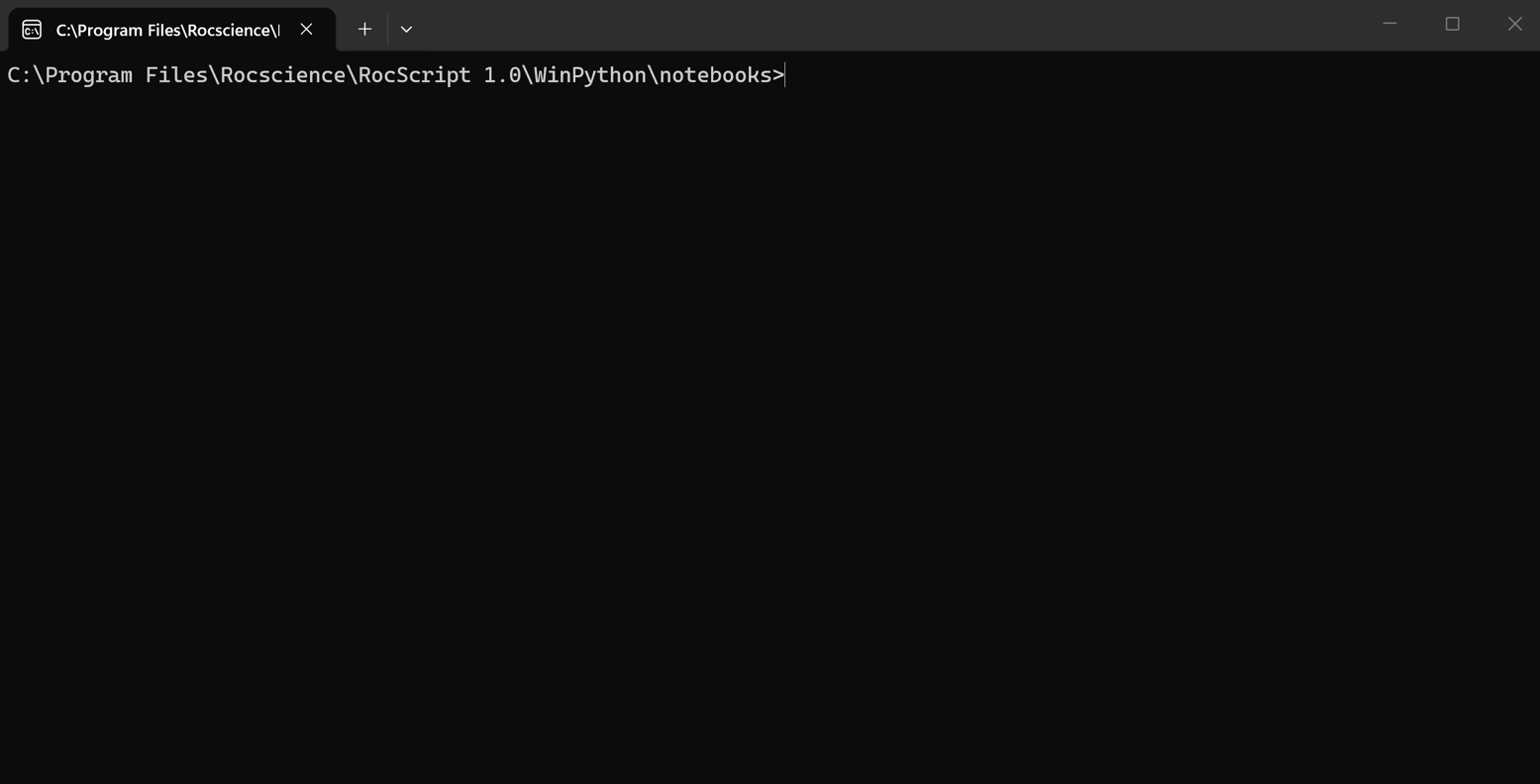
This RocScript Command Prompt is used to manage the python environment within the RocScript Editor. For advanced users who prefer to use their own python environment, use the Windows Command Prompt instead.
For more information about the python environment, see the Getting Started with RSWall Scripting tutorial.
Reference Manual
The Scripting Reference Manual lists out all object, method, class, and function in the RSWall Python API Library for client. Script examples are also provided in the guide. Refer to this guide to utilize DIPS Scripting.
To access the Scripting Reference Manual:
- Select Help Ribbon > Scripting Reference Manual
The manual can also be found here