Multilayer Soil Profile
The Multilayer Soil Profile defines different soil layers within the backfill. The analysis accounts for the properties of each individual soil layer.
- The Multilayer Soil Profile is not supported for the NCMA design standard.
- The Multilayer Soil Profile is compatible with all Active Earth Pressure methods except for the Generalized Wedge Method.
Backfill soil profile
To define a multilayer backfill soil profile:
- Select Soil > Soil Geometry > Soil Profile

The Soil Profile dialog will open. A boundary must be added for each soil layer. You can define the boundaries using the following parameters:
- Horizontal reference point: Select the reference point used for the X coordinates of the layer boundaries. The available options are:
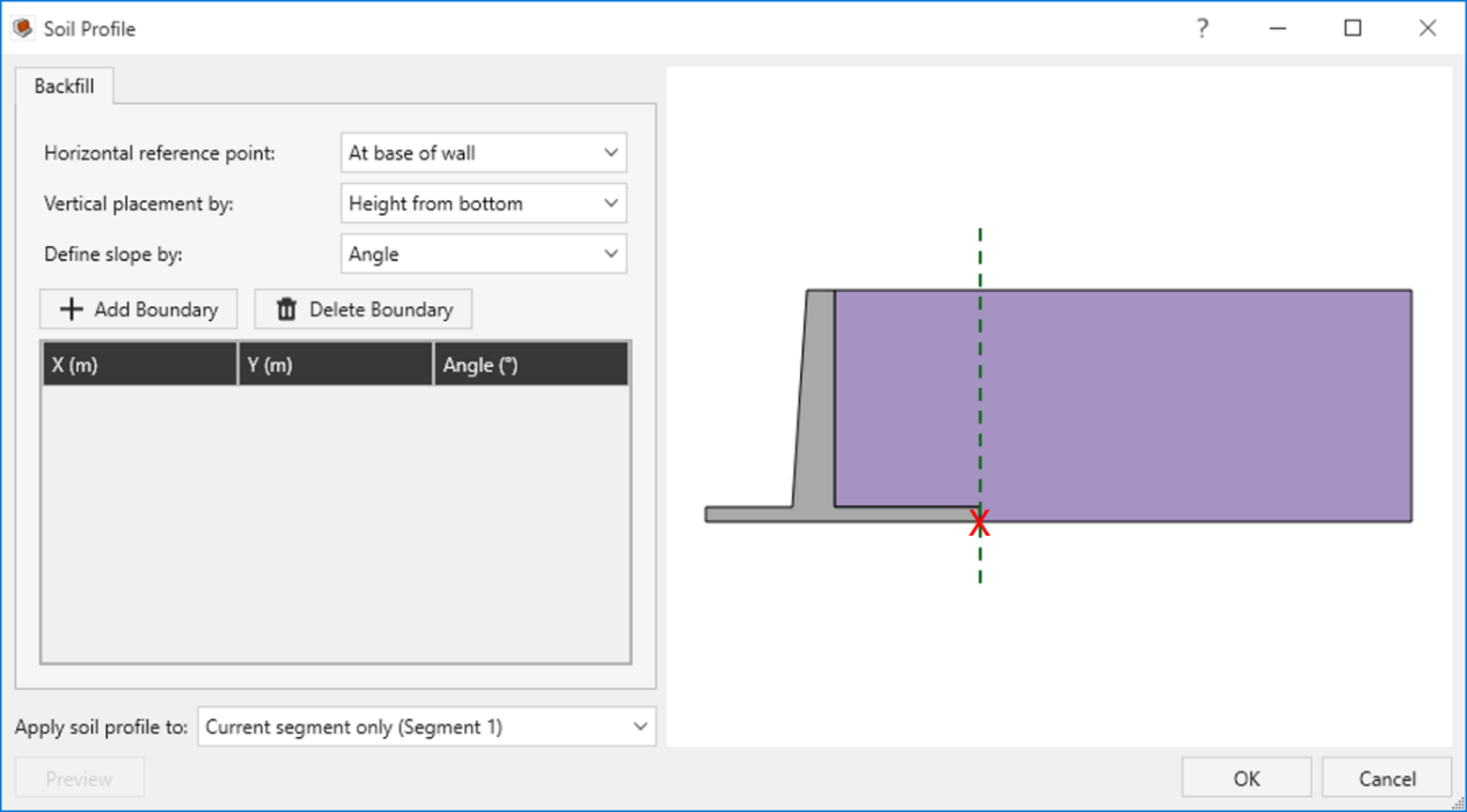
At base of wall: The X-coordinate is referenced from the back face of the wall at its base.
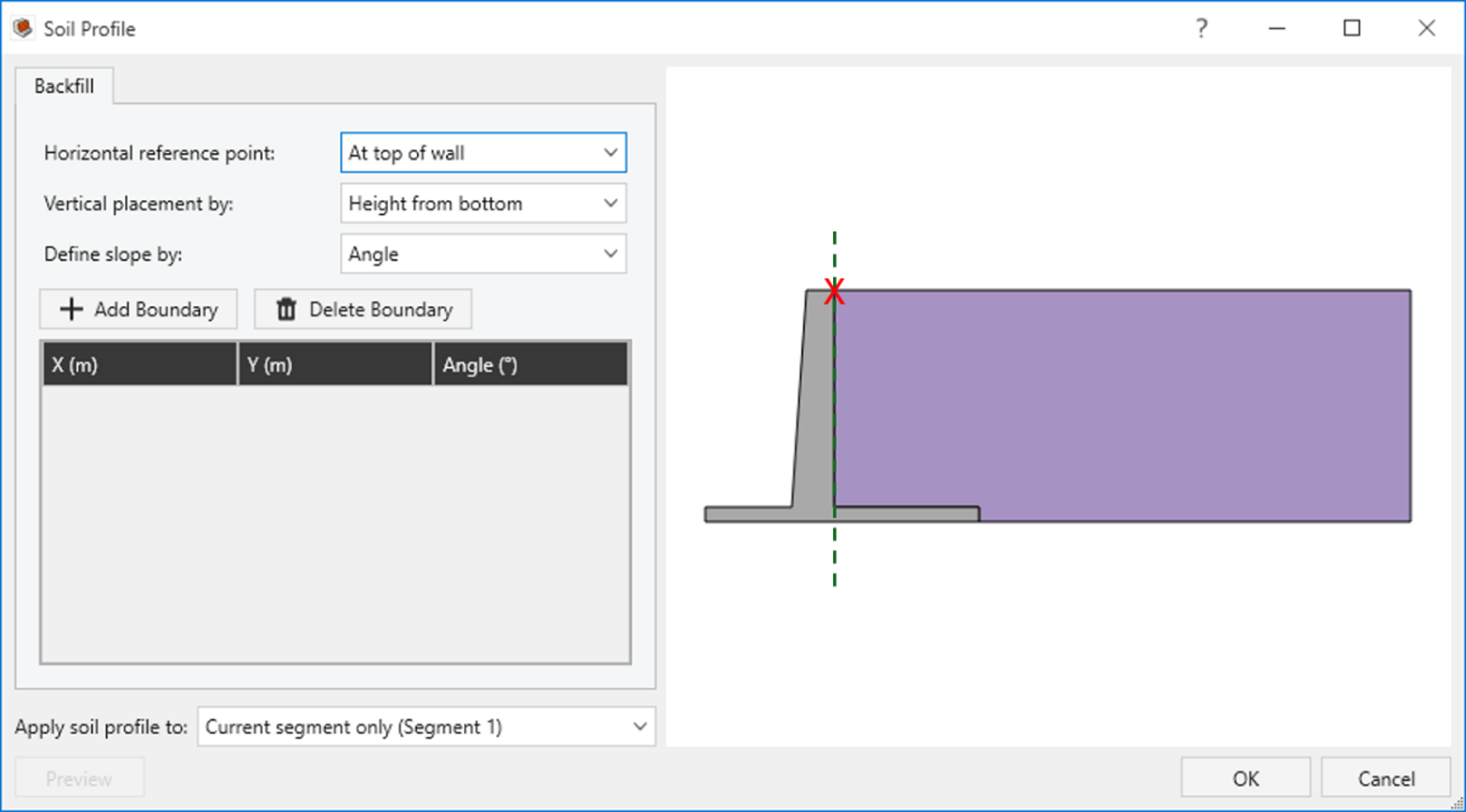
At top of wall: The X-coordinate is referenced from the back face of the wall at its top.
- User defined: The X-coordinate is referenced from a user-defined point.
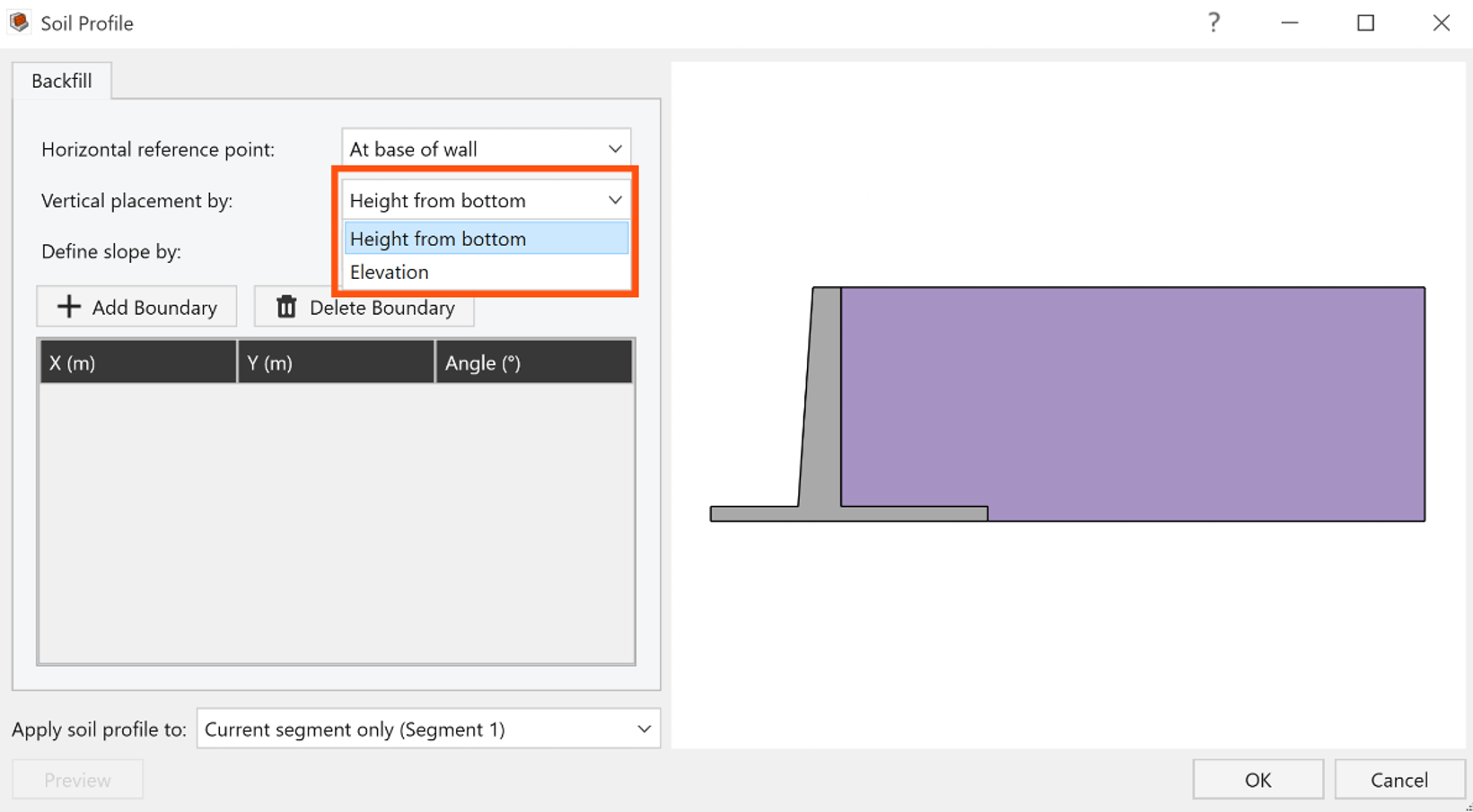
Vertical placement by: Define the vertical position of each layer either by its height from the bottom or by its elevation.
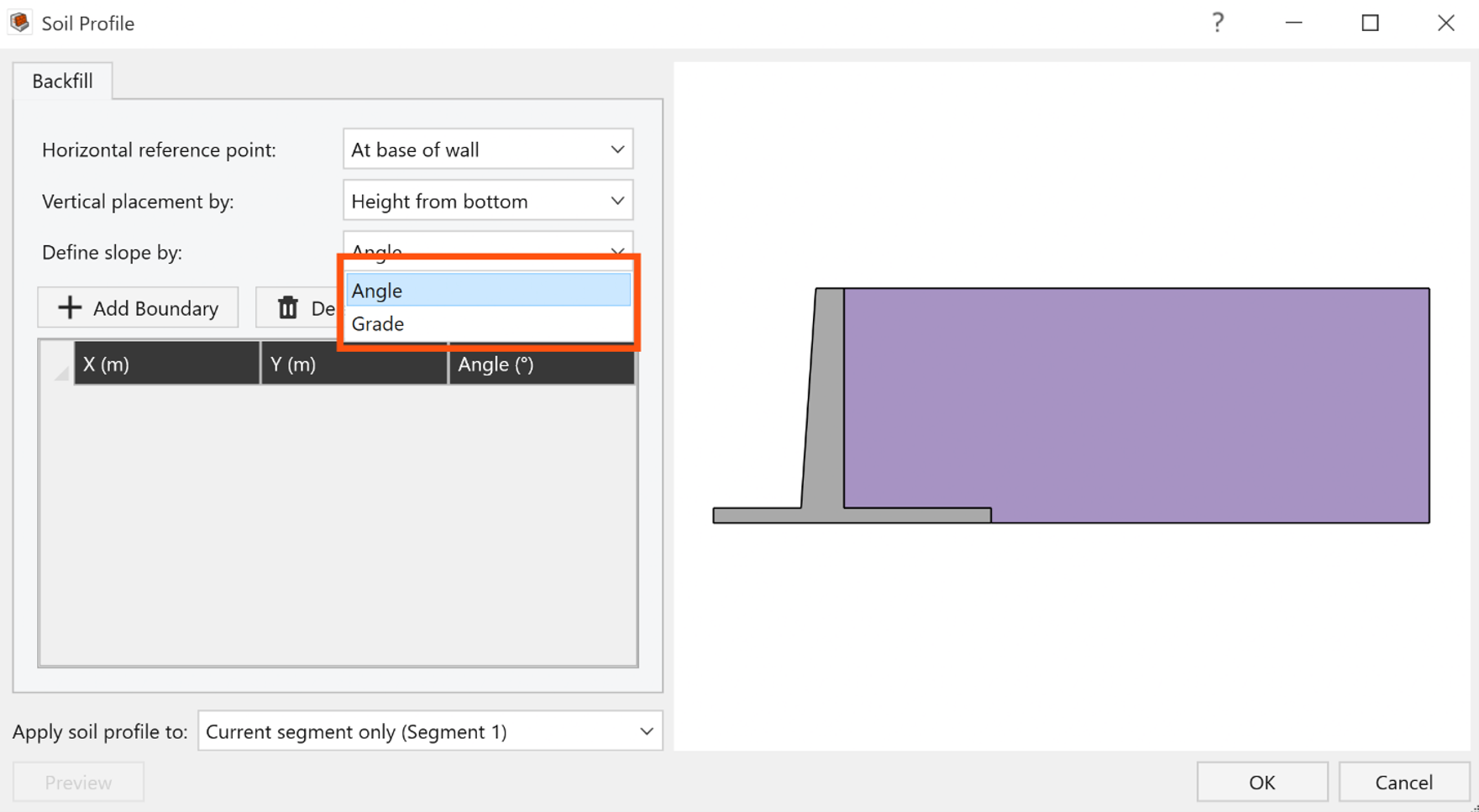
Define slope by: Define the slope of each layer either by its Angle (measured from the horizontal) or by its Grade (%).