Export Excavation with Failed Unit Blocks Removed
The Export Excavation with Failed Unit Blocks Removed option allows you to export the geometry of the socketed excavation surface to one of several geometry formats (which can then be imported into 3D Rocscience software such as RS3).
To export the socketed excavation surface with failed unit blocks removed:
- Select File > Export > Export Excavation with Failed Unit Blocks Removed

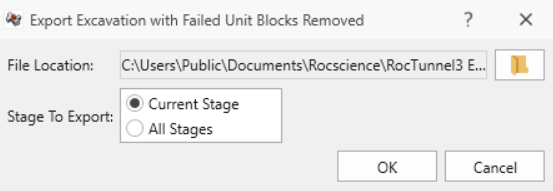
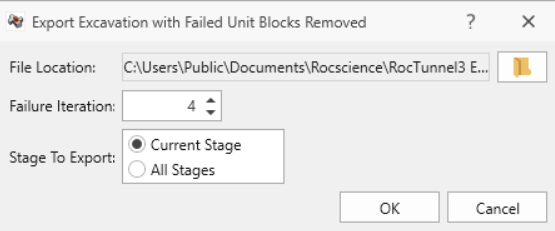
- In the Export Excavation with Failed Blocks Removed dialog:
- Select the File Location. In the Save As dialog, set the file name and click Save.
- If Successive Failure is ON (Analysis > Project Settings > Analysis tab), select the Failure Iteration.
- Select the Stage To Export:
- Current Stage exports only the geometry corresponding to the currently selected stage in the Stage tab.
- All Stages exports the geometry for each stage in the project.
- Click OK to save the geometry.
This option will only export the excavation with failed unit blocks removed. It currently does not support exporting the excavation with failed combined blocks removed.