Tutorials Overview
Lumped Mass Tutorials
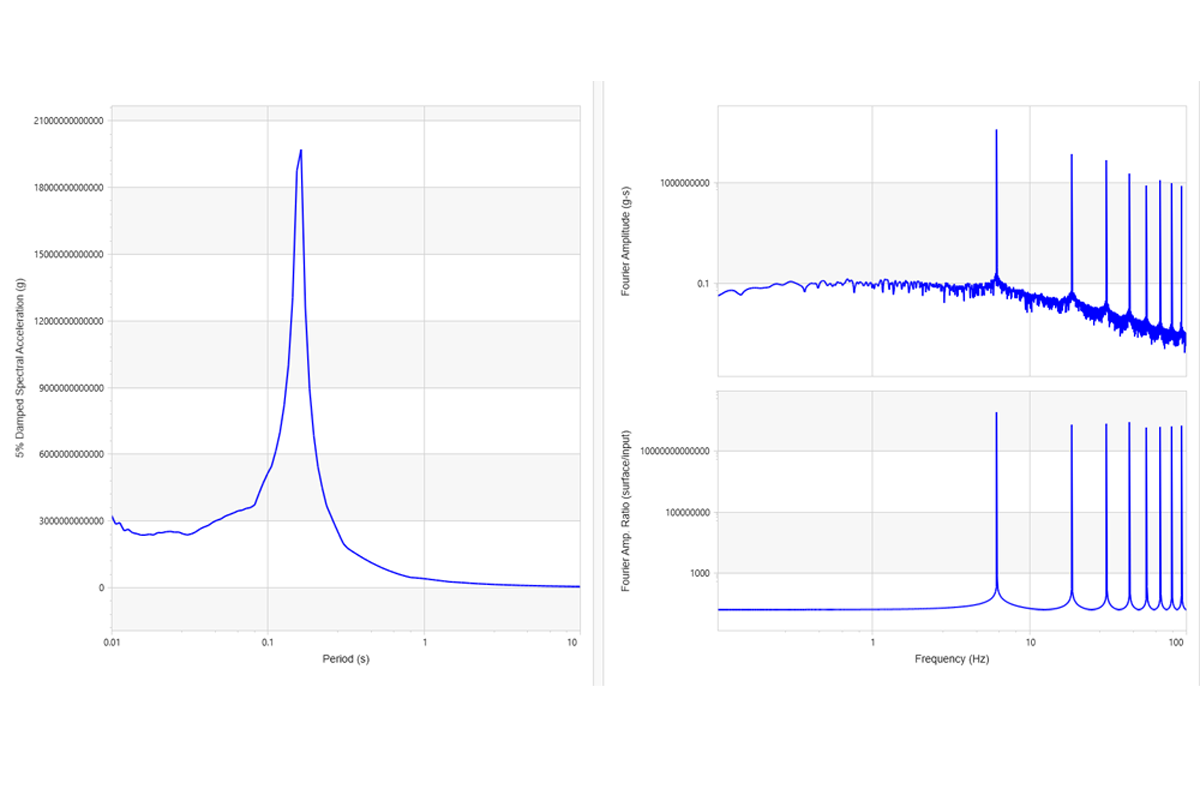
1 - Linear Analysis
- Undamped and Damped Soil
- Rigid and Elastic Bedrock
- Frequency Domain Solution
- Time Domain Solution
- Deconvolution via Frequency Domain
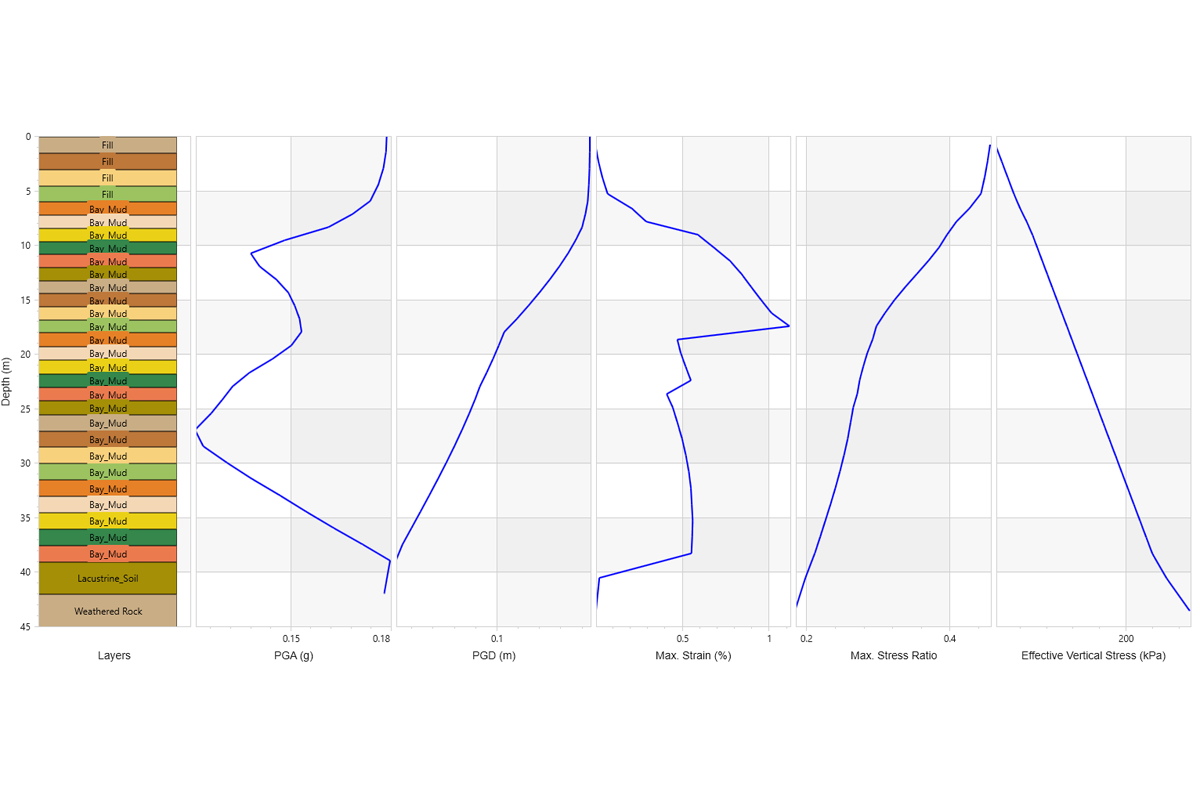
2 - Equivalent Linear Analysis with Discrete Points
- Single and Multiple Layer Soil Columns
- Equivalent Linear Analysis with Frequency Domain
- Discrete Points
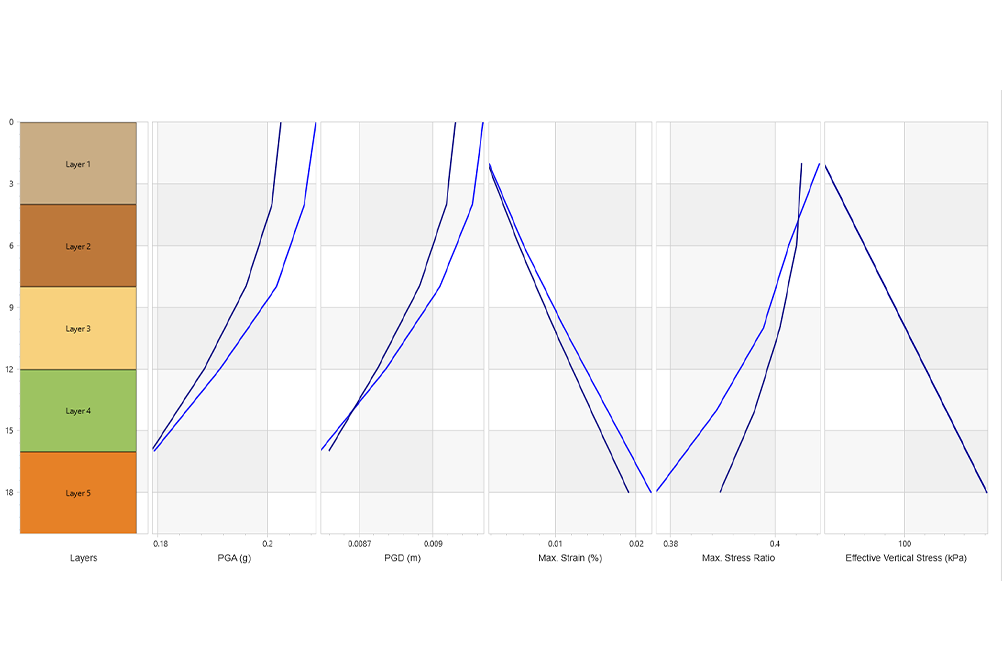
3 - Nonlinear and Equivalent Linear Analysis
- Nonlinear Analysis
- Equivalent Linear Analysis Results Option
- Dynamic Curve Fitting
- GQH Model with Non-Masing Reloading/Unloading
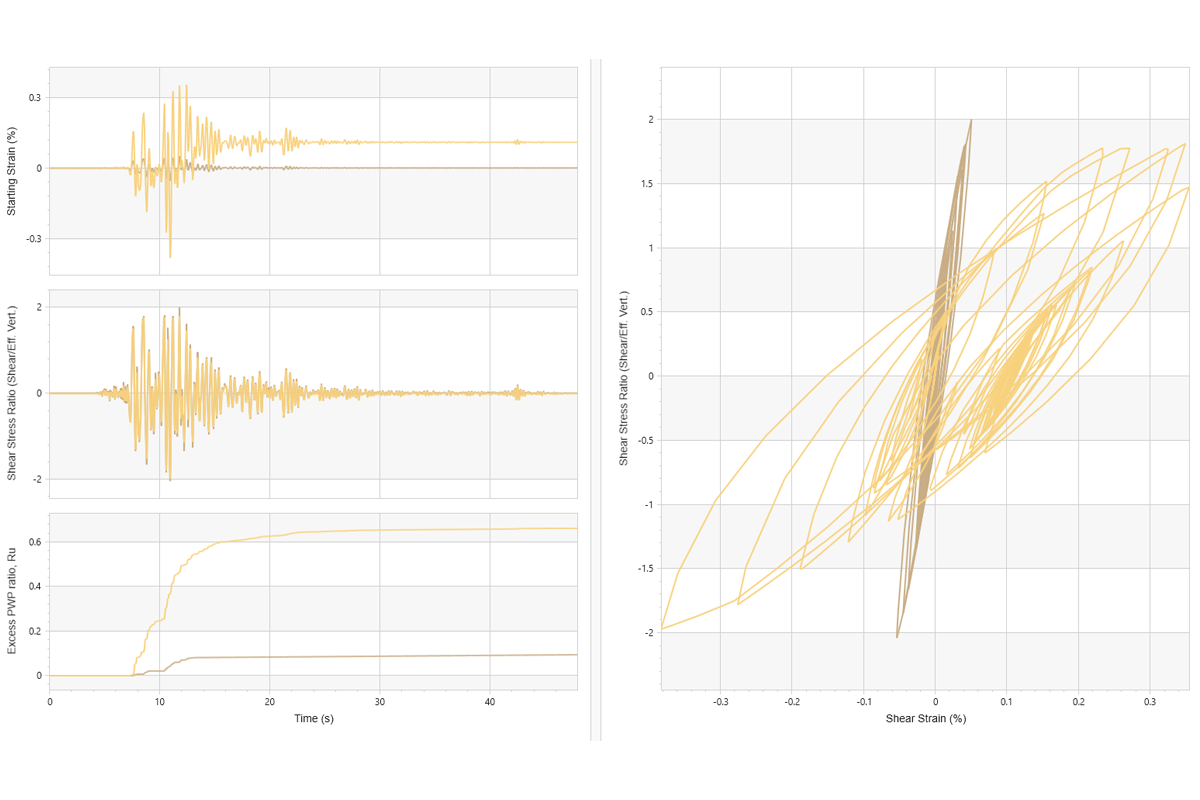
4 - Nonlinear Analysis with Pore Water Pressure
- Multi-Layer
- GQ/H
- Elastic Rock
- Pore Water Pressure
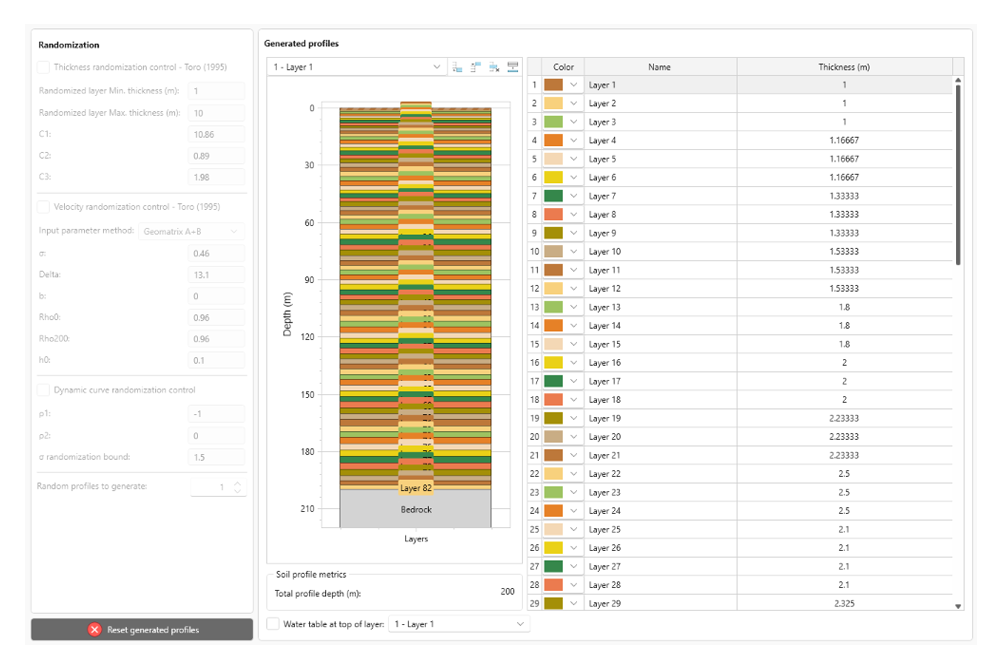
5 - Automatic Profile Generation
- Nonlinear Analysis
- GQ/H
- Mean Profile
- Profile Generation
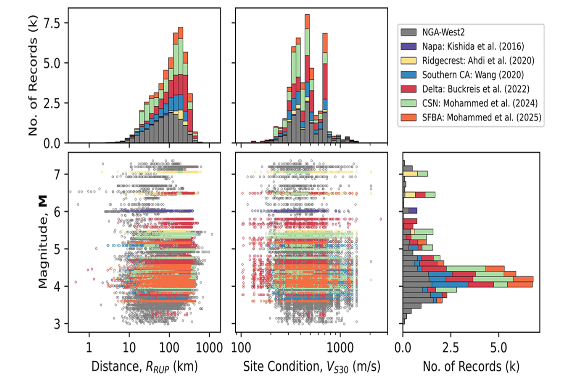
6 - Importing Ground Motion Records from External Databases
- Importing records from an external database
FEM Tutorials
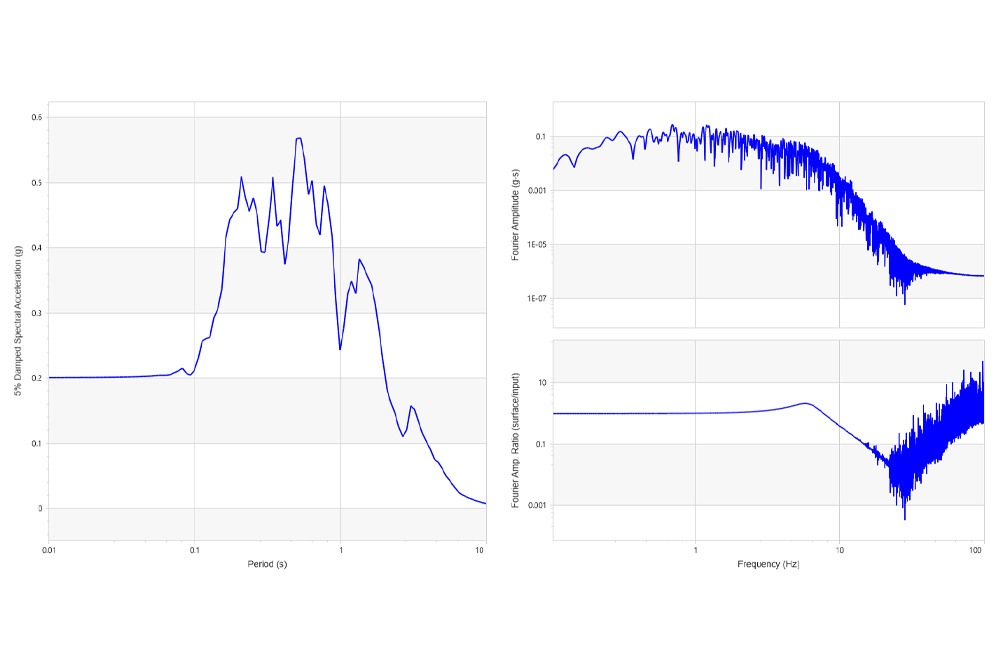
7 – Linear analysis with FEM engine
- Undamped linear analysis with rigid bedrock
- Undamped linear analysis with elastic bedrock
- Damped linear analysis with elastic bedrock
- Finite Element engine
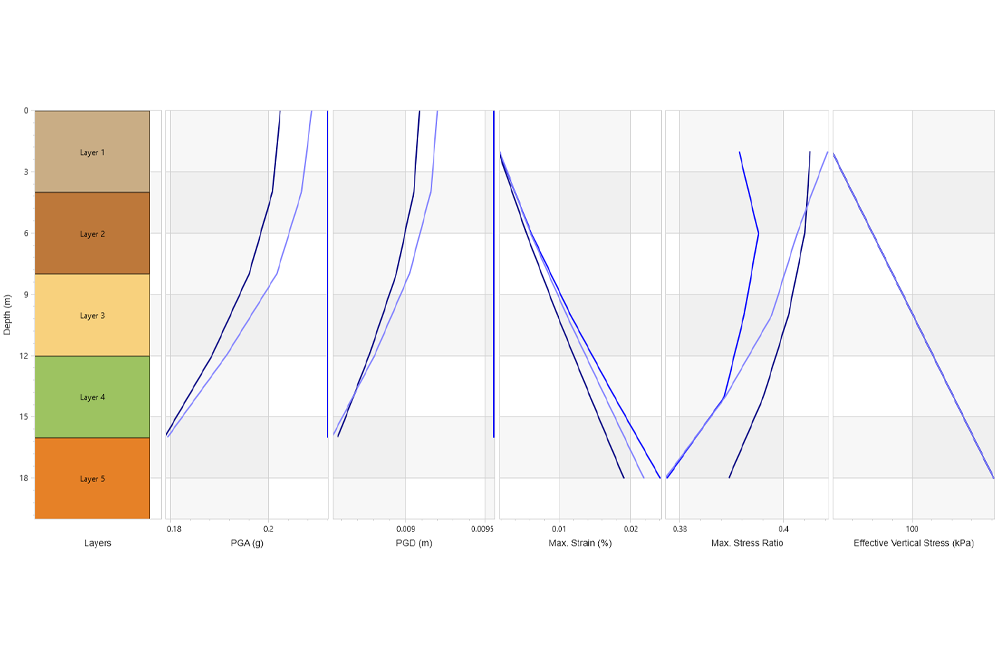
8 – Nonlinear Analysis with Finite Element Engine
- Nonlinear time domain analysis with FEM engine
- Complementary equivalent linear and nonlinear lumped mass analyses
- Dynamic curve fitting
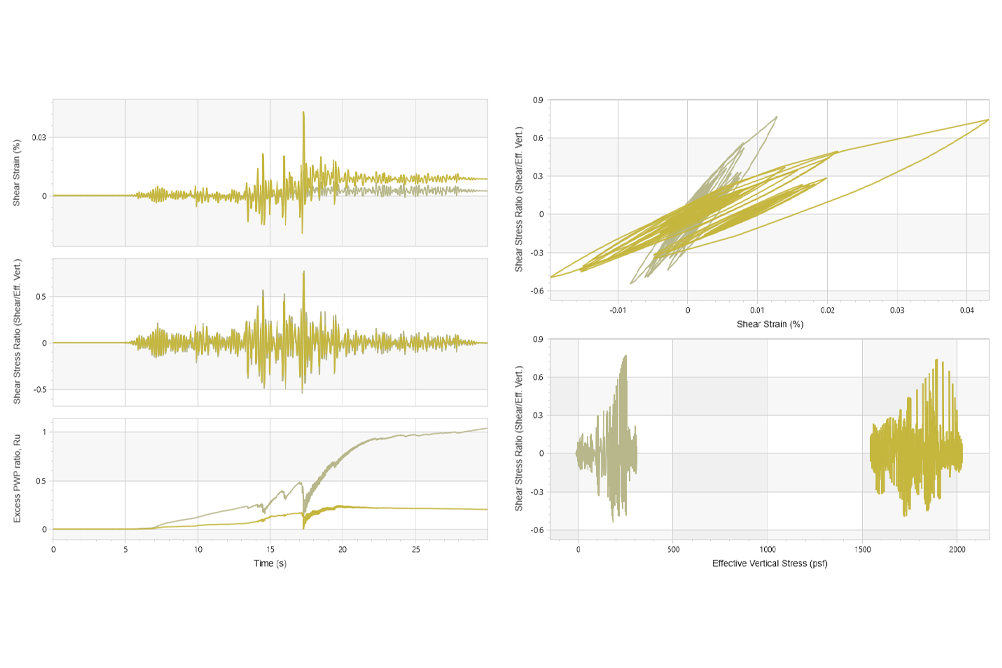
9 – Nonlinear Finite Element Analysis with Pore Water Pressure
- Nonlinear time domain analysis with FEM engine
- Pore water pressure generation and dissipation with FEM engine
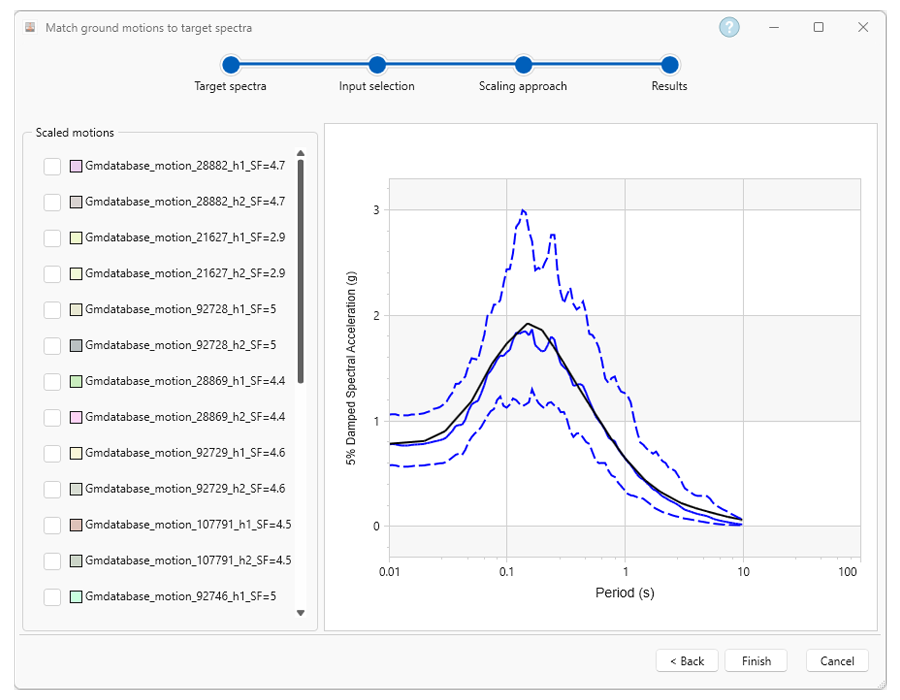
10 - Matching a ground motion suite to a target spectrum
- Matching a ground motion suite to a target spectrum using the automatic record selection
- Ground motion matching using amplitude scaling
Scripting
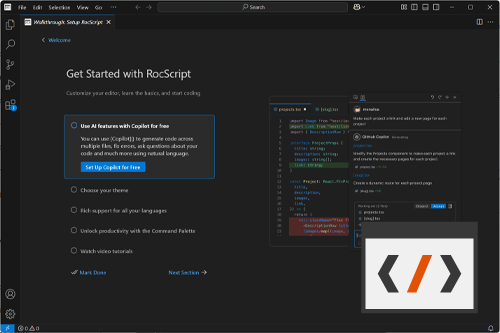
Getting Started with RSSeismic Python Scripting
- Using RocScript
- Install Libraries
- Running files
- Using your own Python Environment
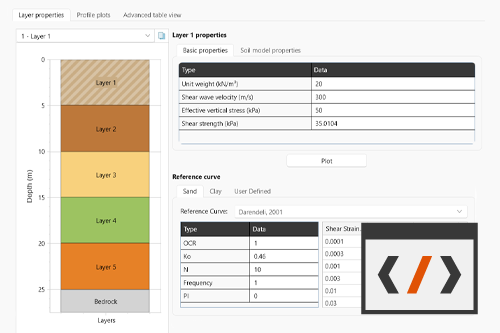
1 - Building a Single Profile and Running an Analysis
- Importing libraries
- Configuring projects and settings
- Build soil layers
- Register motion folder and select an input motion
- Save the project and run compute
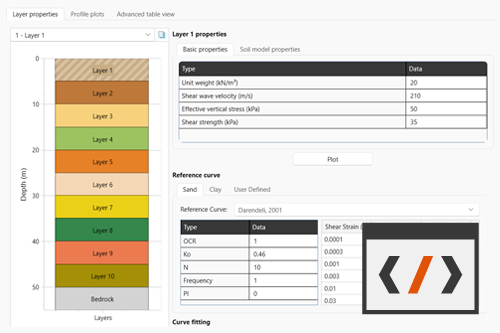
2 - Building Multiple Projects and Running Batch Processing
- Configuring multiple projects
- Import motions from a motion directory
- Save multiple project files
- Run batch compute
- Read results from deepsoilout.db3
- Aggregate results and write PNG plots