Import GroundProbe Data
With the Import GroundProbe Data feature, users can import live radar data from radar systems manufactured by GroundProbe
and display it into 3D space and compare with their models. This data
is used for the monitoring of slope displacements in mining and civil
operations as well as many other applications. The imported radar data
is displayed alongside model results for easy comparison.
- Select File > Import > Import Sensor Data > Import GroundProbe Data.
- The Open File dialog will appear. This dialog only accepts .csv files. After selecting the .csv file you wish to import, click OK.
Opening the .dat or .csv file of interest will prompt the Import CSV File dialog to open. The user can customize the method with which the program sorts through the data by selecting the type of Data Delimiter from the list below:
- Comma
- Semi-Colon
- Space
- Tab
- Pipe
- All
In the Data Column Selection section, the user can select which columns from the source file are displayed.
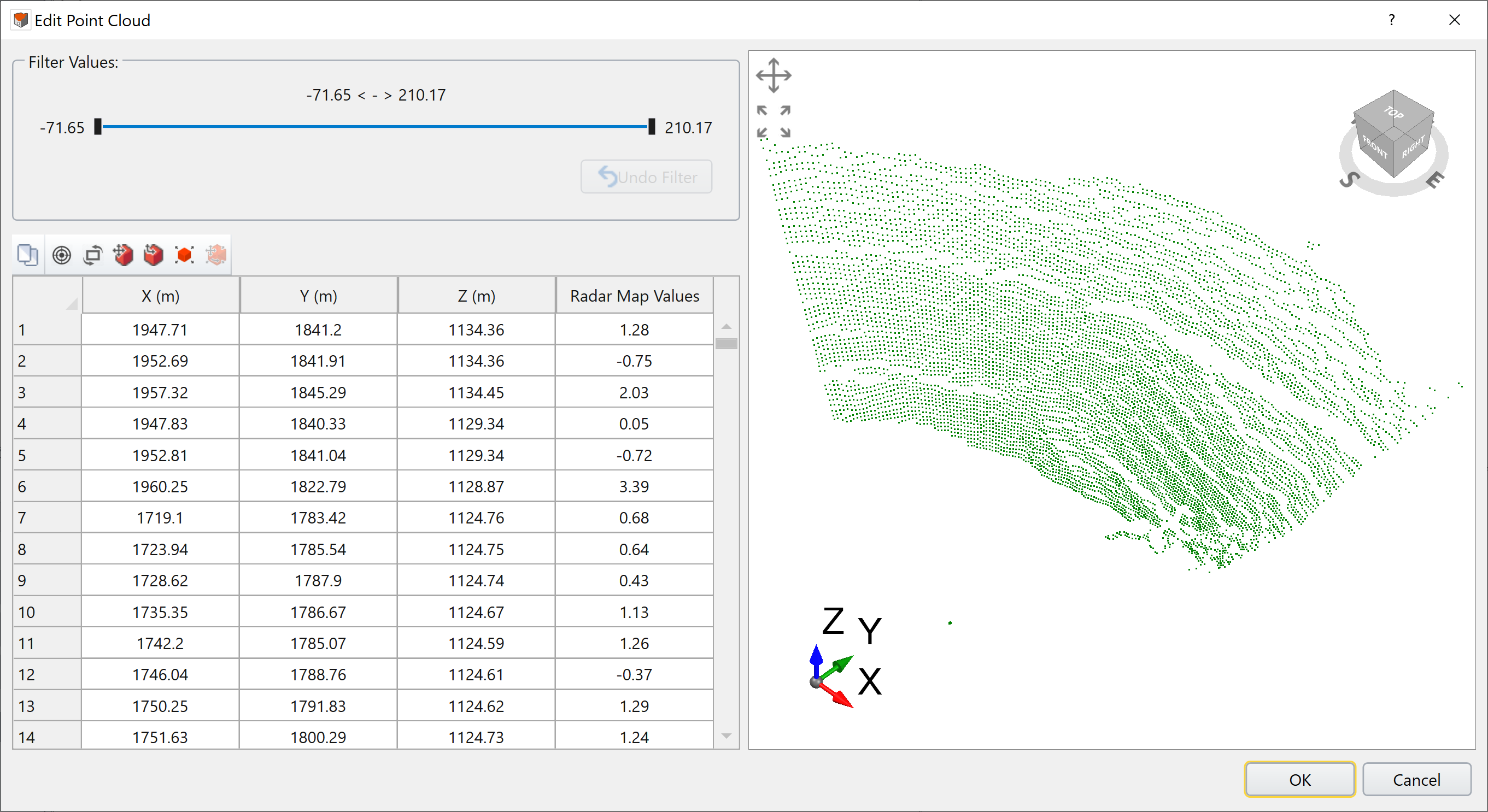
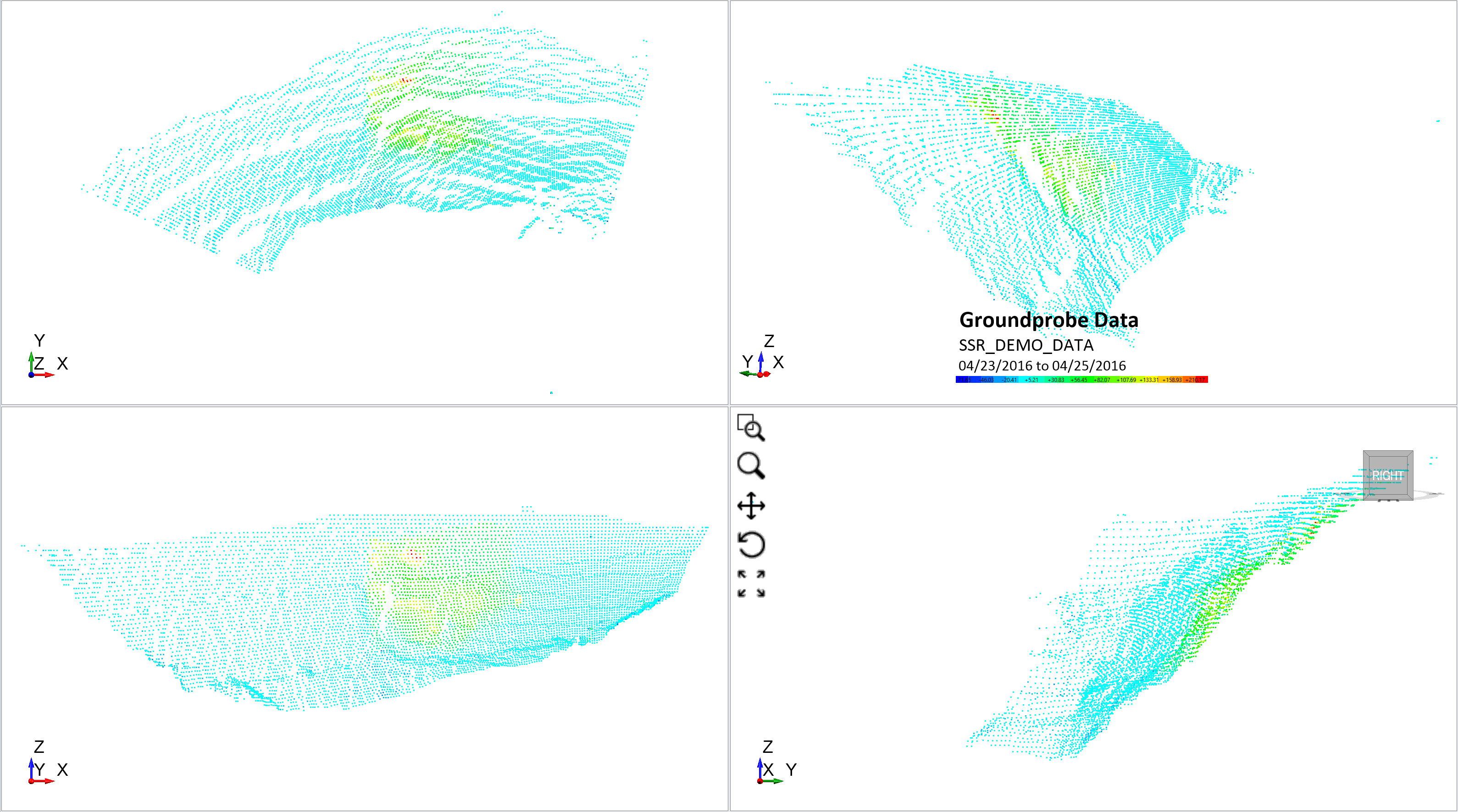
An example of Groundprobe data for an open pit in RS3 is shown below. The red and green regions indicate the highest displacements on this particular face of the open pit.